17
Mobile Mounting Bracket (Model MB-007) – For mobile use (In-
car Installation); use it to install the BC355N in your car.
External Speaker (ESP20, ESP12, or ESP5) – To increase speaker
volume in noisy environments.
Contact your local Uniden Dealer or the Uniden Parts Department
by calling: (800) 554-3988 during regular business hours Monday
through Friday. We can also be reached on the web at www.
unidendirect.com.
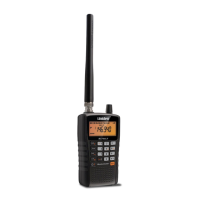
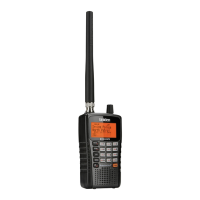
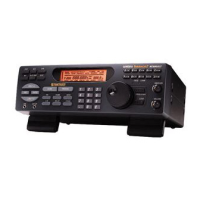
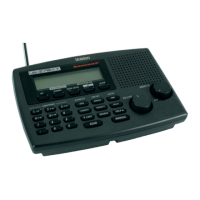
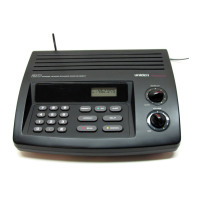
INSTALLING THE BC355N SCANNER
FOR HOME USE DESKTOP INSTALLATION
1. Insert the DC plug end of the AC Adapter into the DC 13.8V
jack on the rear panel.
2. Plug the AC Adapter into a standard 120V AC wall outlet.
3. Plug the Telescoping Antenna into the ANT connector. Extend
the antenna to its full height. For frequencies higher than 406
MHz, shortening the antenna may improve the reception.
Use the desktop stand (fold out from bottom of unit) for a better
viewing and operating angle.





 To Next Page