29
USING YOUR BC355N SCANNER
SET UP
Adjusting Squelch
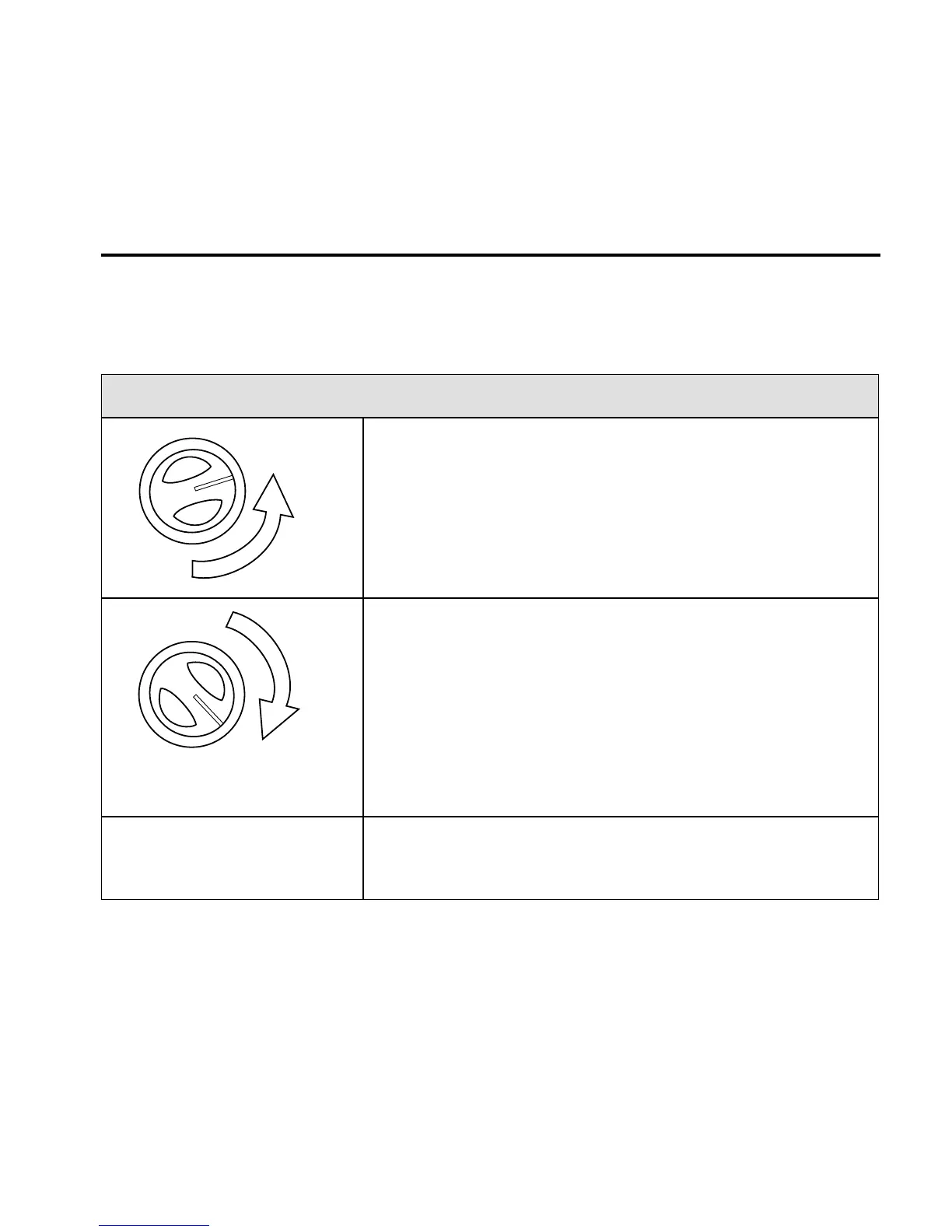
To Adjust Squelch -
1. Turn SQ completely
counterclockwise. You should hear
open squelch noise.
2. Turn SQ clockwise slowly until
the sound disappears. This is
the threshold point at which the
incoming signal is just slightly
stronger than the noise will open the
squelch.
3. Adjust the volume to a comfortable
listening level.
OPERATING MODES
The BC355N operates in two modes - Scan and Search:





 To Next Page