Test the Connecon
Pick up the handset from the cradle and press 1.
Talk
. You should
hear a dial tone, and the display should say Talk.
If you don't hear a dial tone or the display says Check Tel Line,
try checking the connection between the base and the phone
jack.
Make a quick test call. (Press 2.
End
to hang up.)
If there is a lot of noise, see page 16 for tips on avoiding
interference.
Test all your handsets the same way. If you can't get a dial tone, 3.
try moving the handset closer to the base.
Geng to Know Your Phone
Handset keys/LEDs and how they work
Key (icon) What it does
HOld/ClEaR/
InTERCOM
In standby: start an intercom call. -
During a call: put the call on hold and start a call -
transfer to another handset.
While entering text: delete one character, or press and -
hold to delete all the characters.
Talk/flasH
In standby: start a telephone call (get a dial tone). -
During a call: switch to a waiting call. -
End
During a call: hang up. -
In the menu or any list: exit and go to standby. -
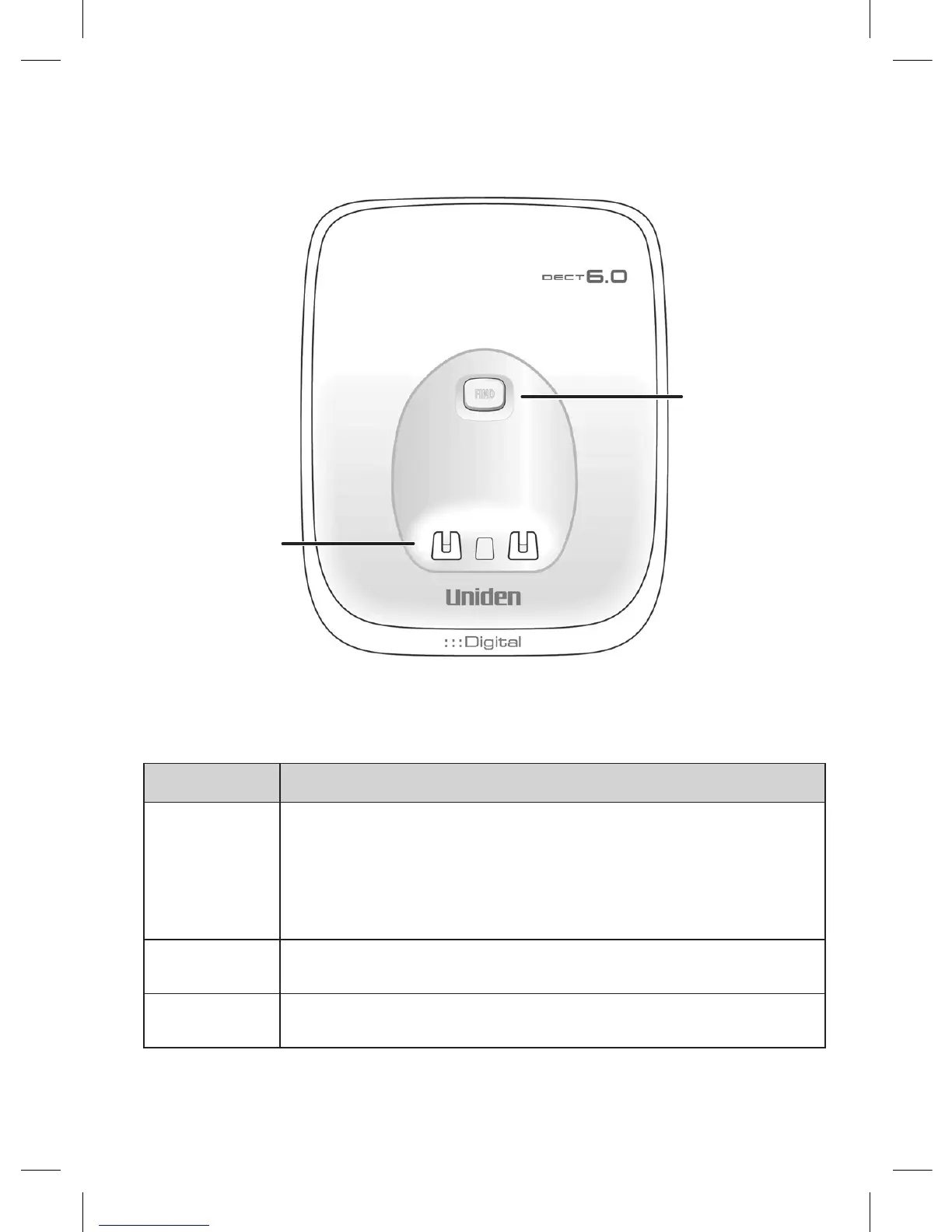
Parts of the Base
CHARGING
CONTACTS
FIND














 To Next Page