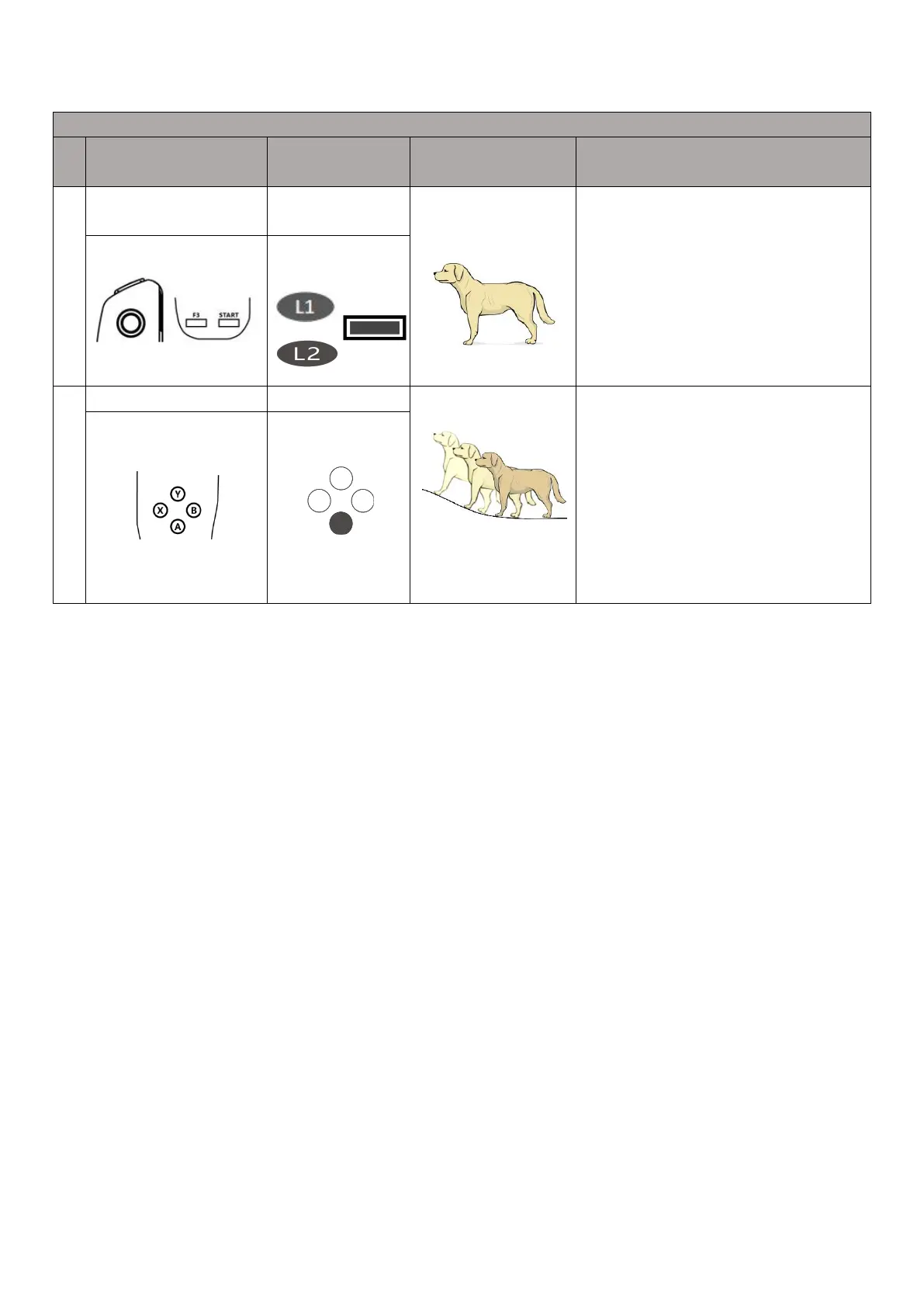
In the Sport mode, after holding down the L2 key,
single-click the B key to enter the noiseless damping
mode; hold down the L1 and L2 keys at the same
time, single-click the START key; then press the L2
key, single-point B key twice, single-point A key twice
enter SLAM mode.
For operations in SLAM mode, refer to the APP
section.
In the SLAM mode, A button is used to turn on/off
the climbing mode (terrain following mode)
Press the A button to turn on the climbing mode. In
the W mode, you can manipulate the robot to climb.
Note: rated forward climbing angle is less than or
equal to 22°.



 To Next Page