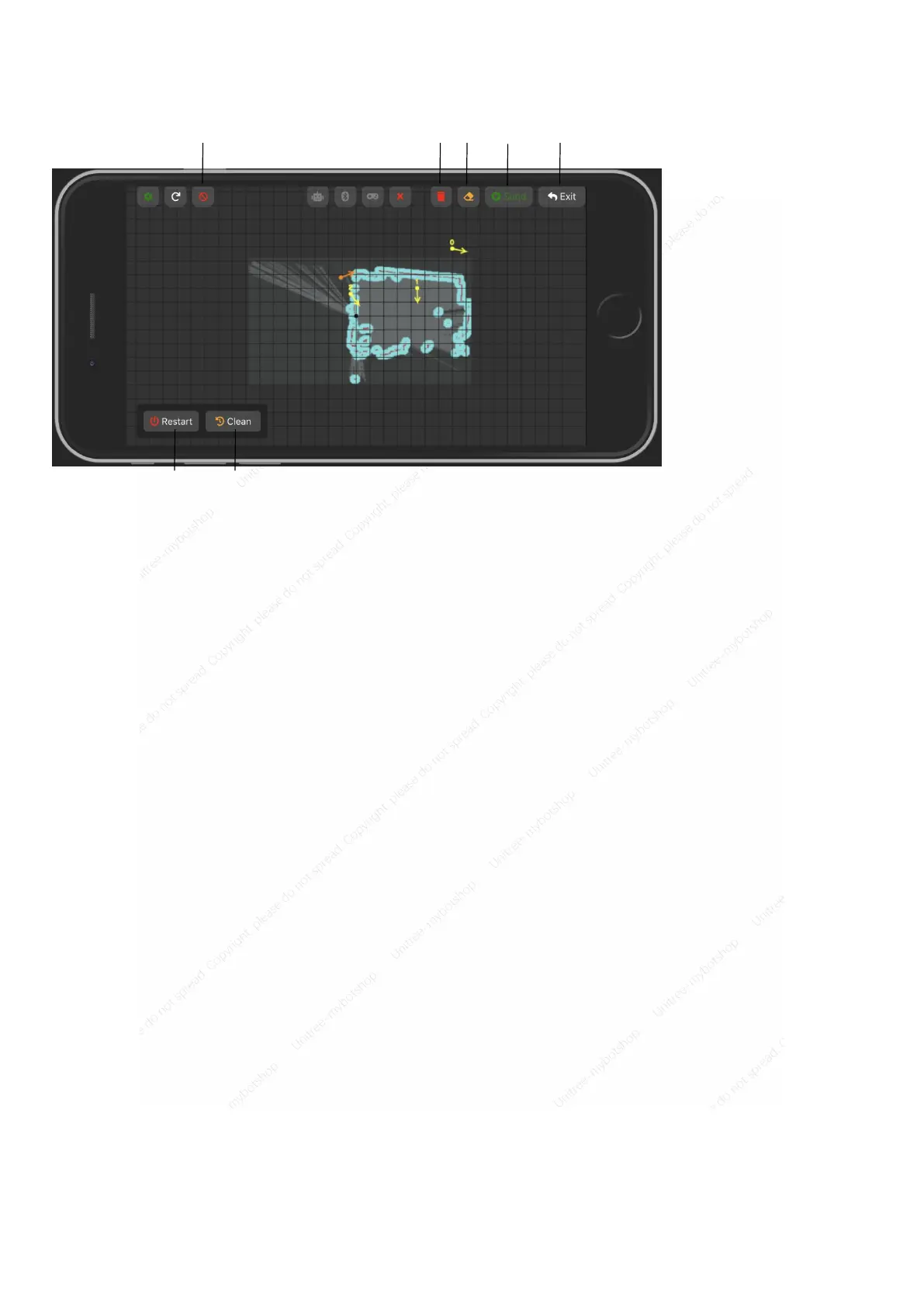
note:
1. When there are obstacles around the robot, please clear the obstacles before setting the target point,
otherwise you cannot navigate;
2. Wait for the robot posture to appear on the screen of the mobile phone and then set the target point after
starting up, otherwise the robot cannot receive the command;
3. When operating in a place with many people (dynamic obstacles), please ensure that the set target point is a
passable area.
4. If you encounter other unexpected situations, you can press the stop button to stop the robot. To resume
operation, click the restart button on the phone screen.
[1] Stop robot
[2] Clear all points
[3] Clear a single point
[4] Send selected
information to the robot
[5] Exit
[6] Restart SLAM
[7] Clear all points



 To Next Page