6
Diagrams................................................................................. 38
Frequency Response ........................................................................................38
Dynamic Range: A/D ......................................................................................39
Dynamic Range: D/A ......................................................................................40
Mastering Setup .............................................................................................40
Digital Audio Workstation Setup ........................................................................41
8-Channel Pro Tools Setup ................................................................................42
Index ....................................................................................... 43
List of Figures
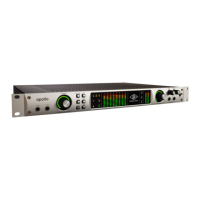
Figure 1: Front Panel Elements .....................................................................................13
Figure 2: Rear Panel Elements......................................................................................14
Figure 3: Block Diagram.............................................................................................15
Figure 4: Frequency Response .....................................................................................38
Figure 5: A/D Dynamic Range.....................................................................................39
Figure 6: D/A Dynamic Range.....................................................................................40
Figure 7: Typical Mastering Setup ................................................................................40
Figure 8: Typical DAW Setup ......................................................................................41
Figure 9: Typical Pro Tools HD Setup.............................................................................42
List of Tables
Table 1: Front Panel Index ..........................................................................................13
Table 2: Rear Panel Index...........................................................................................14
Table 3: Internal Ground Isolation Jumpers .....................................................................20
Table 4: Clock Source & Sample Rate Interaction .............................................................22
Table 5: Available Sample Rates ..................................................................................23
Table 6: Sample Rates with External Clocking .................................................................24



 To Next Page