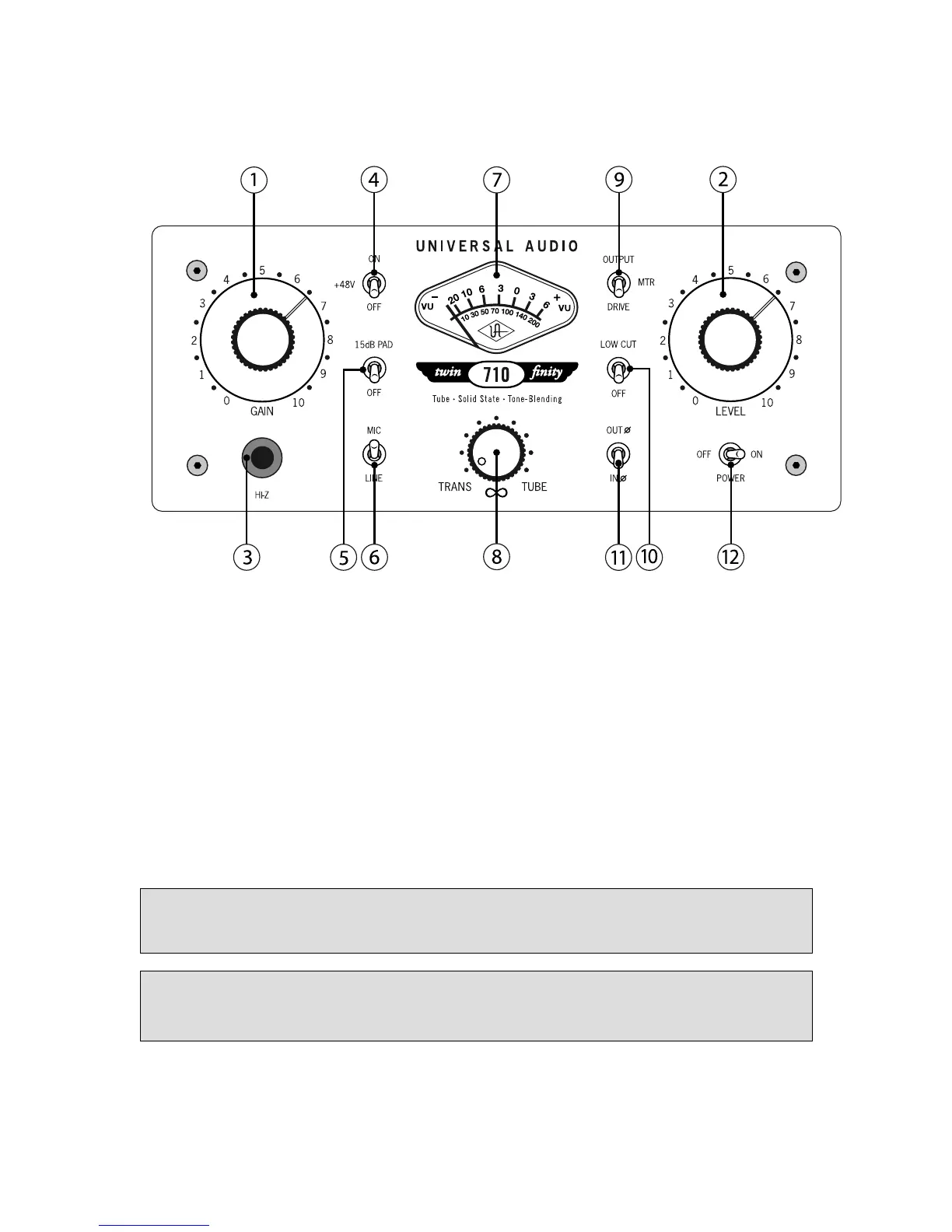
Front Panel
__________________________________________________________
- 4 -
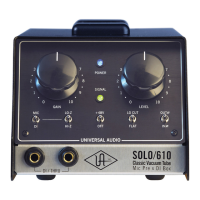
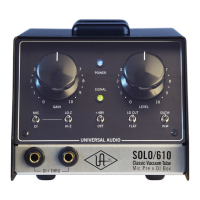
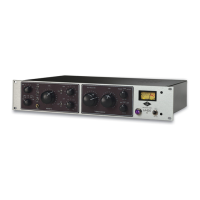
(1) Gain - Adjusts the gain of the input stage. Turning this knob clockwise raises the amount of gain
applied to the input signal.
(2) Level - This is the 710’s master volume control. It determines the amount of signal sent from the
rear panel LINE OUTPUT. ( see #2 on page 7)
The numeric values for the Gain and Level knobs are relative scale markings and do not
represent specific dB values.
You can come up with many useful tonal variations by experimenting with different Gain
and Level settings.



 To Next Page