Link to Table of Contents
User Guide
63
User Manual
Adobe Illustrator CS3
Part 1: Setting the Default Workspace
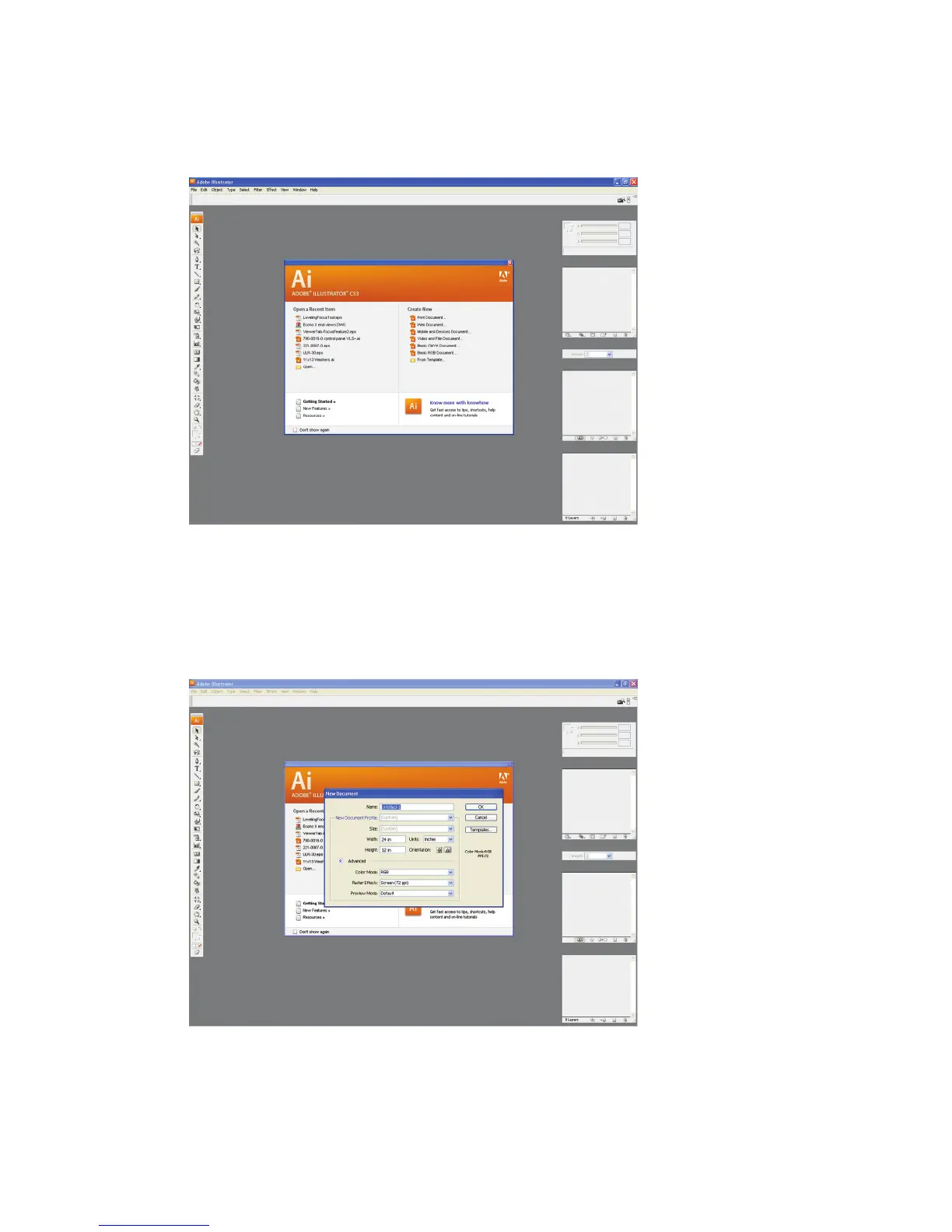
Start Illustrator CS3 from your Windows XP/Vista compatible PC.1.
Illustrator CS3 Preferences box will open.•
Select FILE CREATE NEW BASIC RGB DOCUMENT.2.
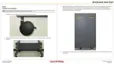
The new document options box will open. Make the following settings:•
Set Units to inches.a.
Set the Height and Width to match the size of your laser system’s work table.b.
Set the Color Mode to RGB.c.
Click “OK”.d.
Part 2: Setting the Stroke
Next, change the weight of your Stroke to 0.001” (0.025 mm). This is essential for vector cutting and scoring.1.



 To Next Page