Link to Table of Contents
User Guide
71
User Manual
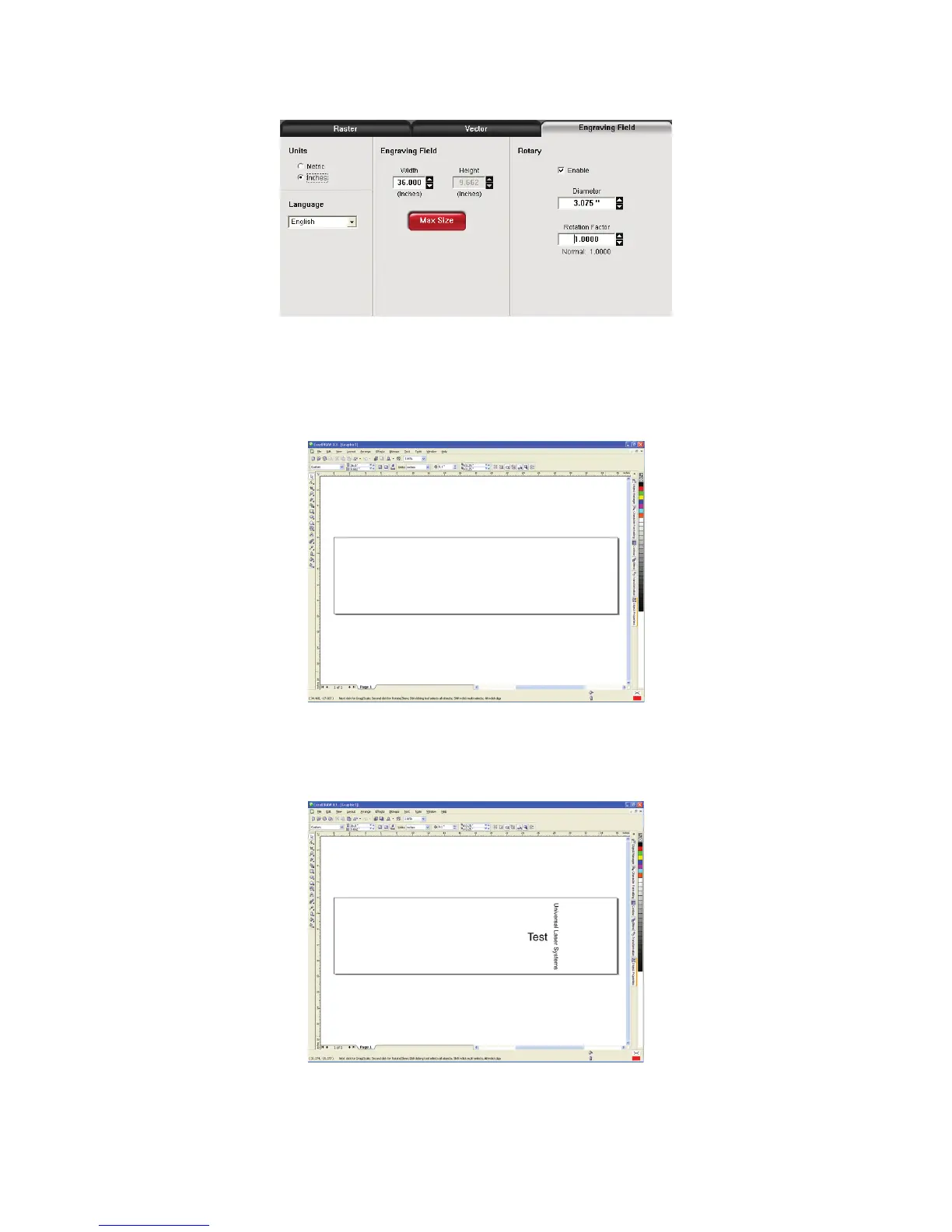
Activate the Rotary feature on the printer drive, by clicking on “Enable” box. Type the diameter of the object 4.
under “Diameter.”
Notice that while typing the diameter, the height dimension changes automatically. Remember or write 5.
down this new dimension.
Click on “OK” on the printer driver and go back to the graphic software page setup and change the 6.
height to EXACTLY match the dimension that was calculated in the previous step.
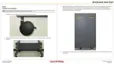
Position the graphic on screen so that it will t vertically within the new vertical page height and 7.
horizontally. Since the Rotary Fixture will not turn more than 360 degrees, make sure that the graphic lies
within the page limits.
Once you are done laying out the artwork on the new page size, proceed to the printer driver and set up 8.
the power, speed and Rotary settings to begin engraving.



 To Next Page