Link to Table of Contents
User Guide
229
ULS Reference Guide Book
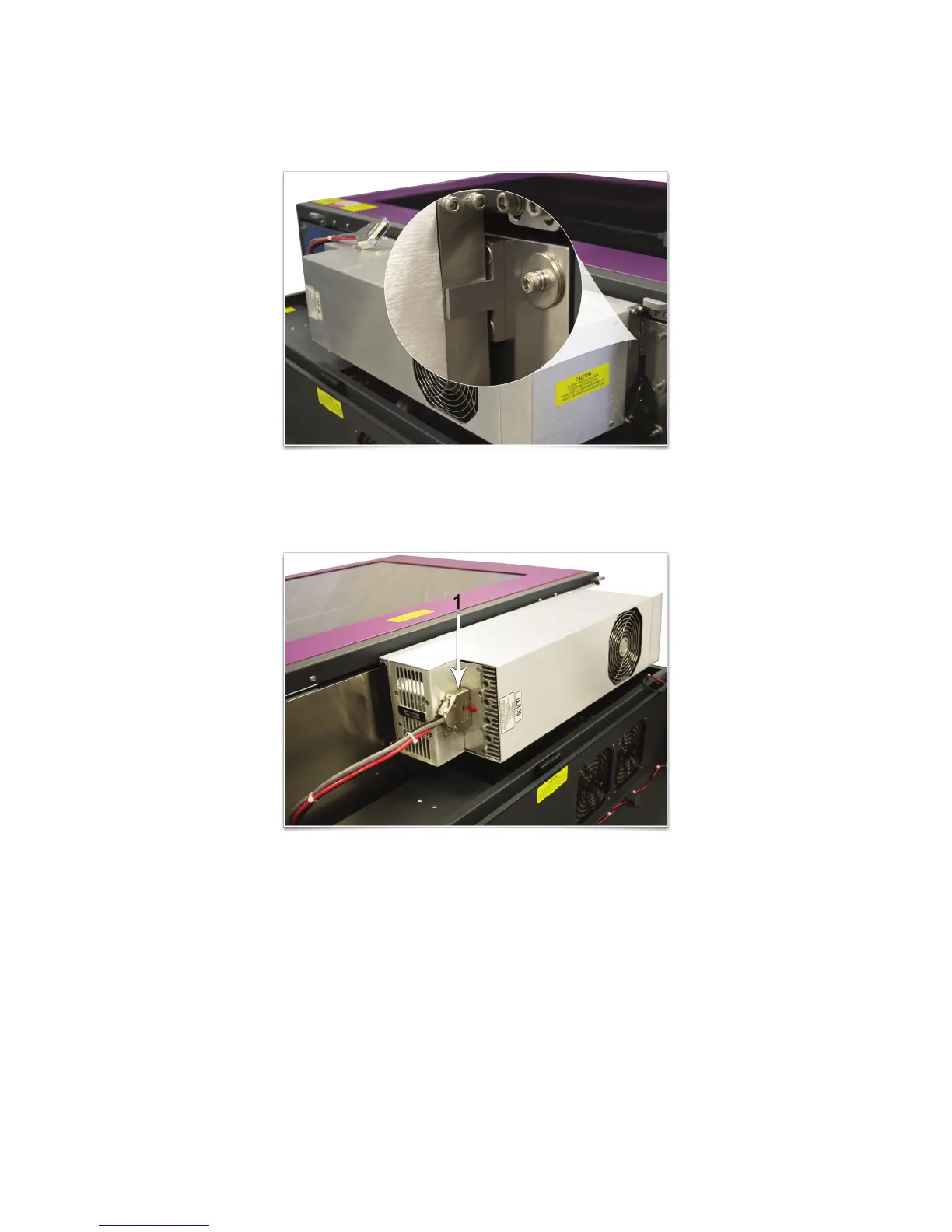
Slowly rotate the laser cartridge, making sure that the alignment plate is centered in the gap in the alignment 5.
fork. As you slowly release the weight of the laser, you should feel it lock itself smoothly into place. Never force
the laser into position. If the laser does not install smoothly, check for obstructions such as pinched wires or
hoses or a binding laser latch. Once installed, verify that the alignment plate is centered within the alignment
fork.
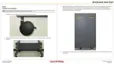
Plug in the power connector (1). Close the rear cover, making sure that wires or hoses do not become pinched 6.
when the cover is closed. Gently close the rear cover until the sliding latches lock into place.
Once the laser cartridge has been installed, proceed to 7. “Laser System Leveling” on page 232.



 To Next Page