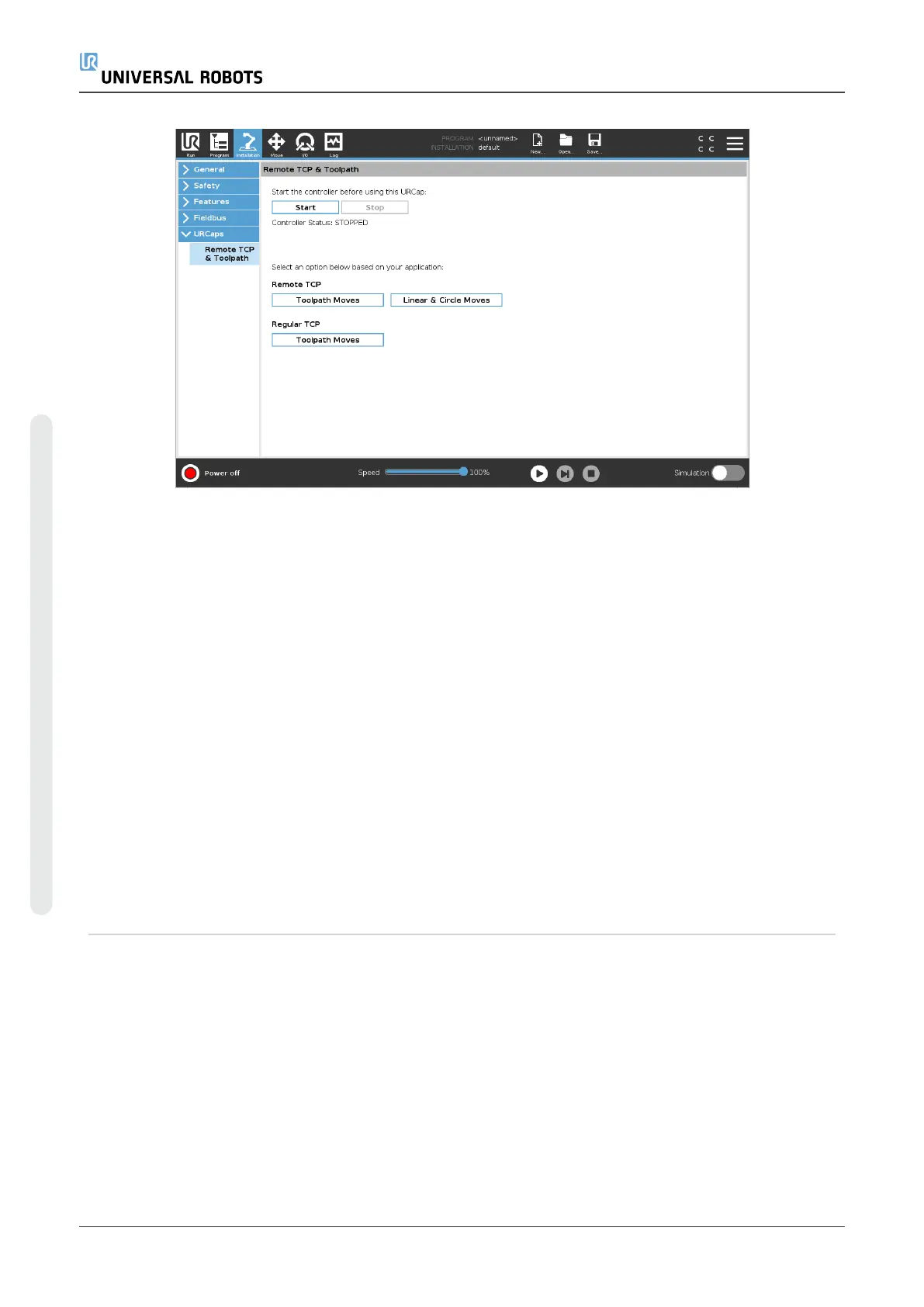
Similar to a regular TCP (see 24.2. TCP Configurationon page205) you can define and
name an RTCP in the Installation Tab’s Setup. You can also complete the following
actions:
•
Add, rename, modify, and remove RTCPs
•
Understand the default and active RTCP
•
Teach RTCP position
•
Copy RTCP orientation
Setting the RTCP from a Feature
Set an RTCP using a Feature to allow the robot to be jogged relative to the RTCP while
creating RTCP Waypoints and RTCP Circle Moves.
1. Tap the plus icon to create a new RTCP RTCP. Or select an existing RTCP in the
drop-down menu.
2. Tap the Copy values from a point feature drop-down menu and select a Feature.
Verify the RTCP orientation values update to match that of the selected Feature.
UR5e 194 User Manual
23.Program Tab
Copyright © 2009–2021 by UniversalRobotsA/S. All rights reserved.














 To Next Page