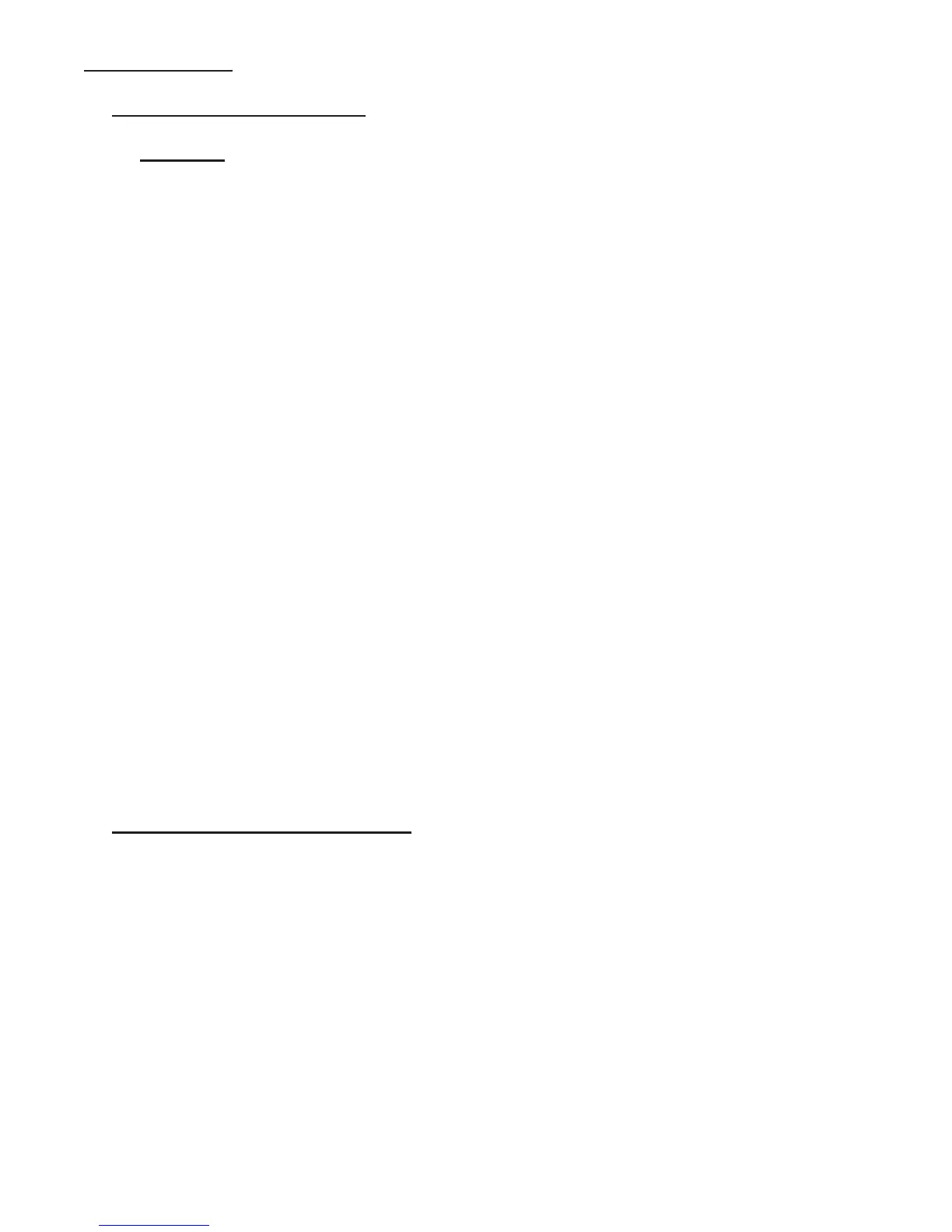
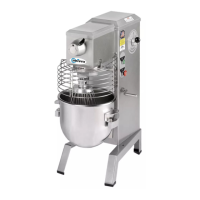
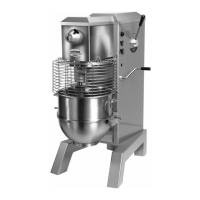
BOWL SUPPORT (Figure 10)
BOWL SUPPORT REMOVAL:
1. WARING: DISCONNECT THE ELECTRICAL POWER SUPPLY CORD.
2. Remove the mixer top cover (Figure 15 [4]) per section 2, Mechanics Maintenance “REMOVAL
OF TOP COVER” instructions on page 2.6.
3. Remove the rear access panel (Figure 15 [5]).
4. Remove the drive belt as described in section 2, Mechanics Maintenance “BELT REPLACE-
MENT” instructions on page 2.2.
5. Remove the four Kep nuts on the top of the motor base.
6. Remove the motor leads from the starter and the ground stud.
7. Remove the motor and cord from the mixer housing.
CAUTION: The motor is heavy, mechanical lift assistance may be necessary.
8. Remove the bowl from the bowl support.
9. Remove the four 1/2-20 hex head screws (Figure 11 [18]).
CAUTION: The bowl support is heavy and should be supported or held by an assistant during
the removal of the 1/2-20 hex head screws to prevent it from falling and becoming damaged.
10. Slide the bowl support assembly down from under the fixed cover and remove the bowl support
assembly from the mixer housing.
11. Remove the two phillips pan head screws and remove the slide cover.
BOWL SUPPORT INSTALLATION:
12. Place the slide cover over the bowl support assembly with the rubber strips facing away from the
bowl support. NOTE: the screw holes in the slide cover are not symmetrical and will only allow
the cover to be installed in the correct rotation. Install and tighten the two Phillips head screws
that secure the slide cover to the bowl support.
13. Have an assistant slide the slide cover up under the fixed cover on the mixer and hold the bowl
support in place on the mixer and insert and tighten the four 1/2-20 hex head screws. Torque the
screws to 40 foot-pounds.
14. Check the bowl clearance per the instructions in section 2, Mechanics Maintenance “BOWL
LIFT ADJUSTMENT” instructions on page 2.4 and adjust as necessary.
Page 4.1


 To Next Page