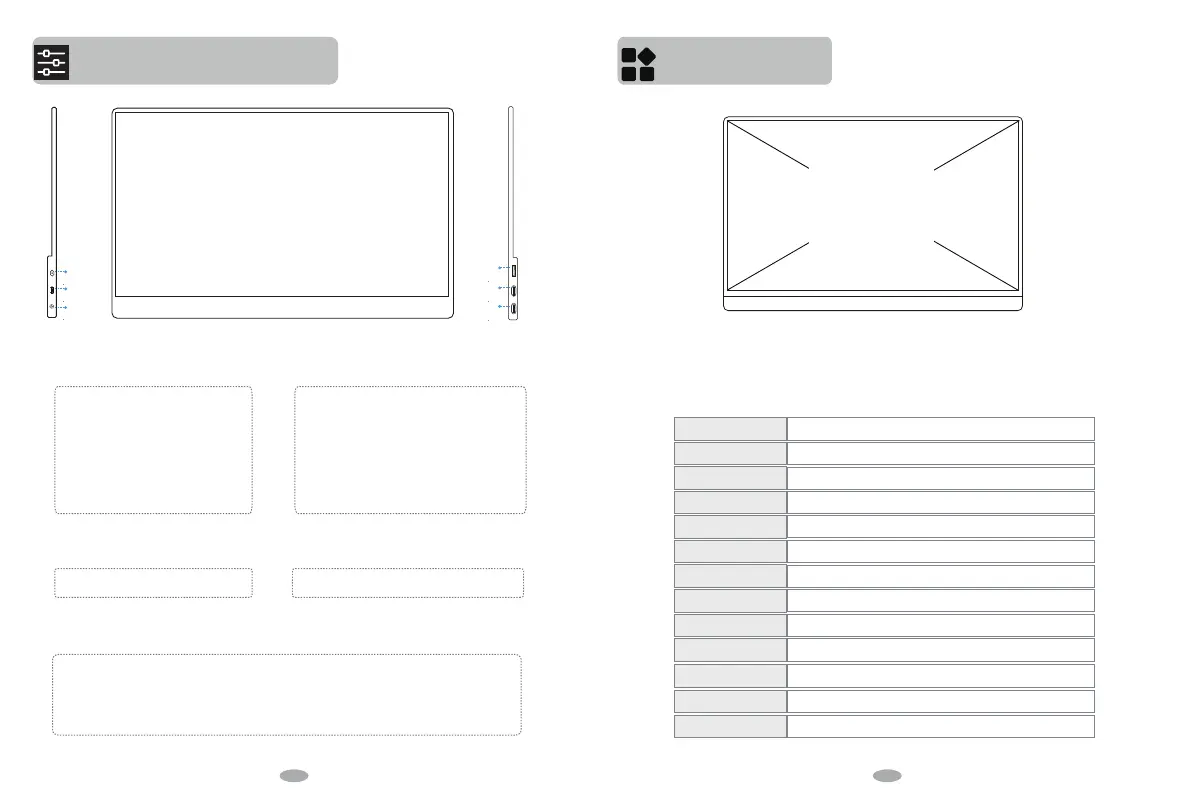
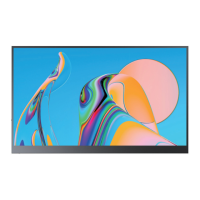
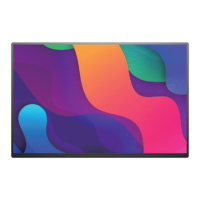
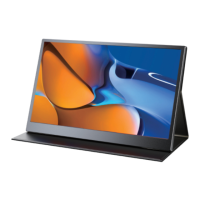
Interface function introduction
Product Parameters
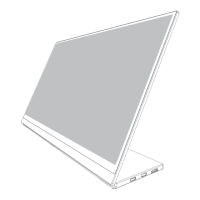
A Power/Back button
A
B
C
D
E
F
Long press the Power/ Back button for 3
seconds to turn on/o the monitor.
Short press the Power/Back button to go
into Menu.
Short press the Power/Back button to
return to the homepage.
B
Micro-USB button
Connect a wired/wireless mouse keyboard via a
Micro-USB cable to a USB 2.0 female cable.For
computer,the OTG function will be achieved in
touch program.
Connect USB flash drive or other USB device
through the Micro-USB cable to the USB 2.0
female cable.
C Audio Port
Headphone/Sound Box Extension Port
D MINI HDMI
Audio and Video Signal Transmission
E/F USB Type-C Full-featured Port
Double ports worriless switch, and both support audio video signal transmission, support positive and
negative insertion, support reverse charging compatible with PD 2.0 power supply Protocol.
Front
15.6”
Model
MDS-156F13
IPS Screen
15.6 inch
16:9
3840*2160
178°
1000:1
300 cd/m2
72%
8Ω2W
Mini HD(Signal Transmission)、Type C full function(Power or Signal Transmission from
Tunderbolt3 PC or USB3.1 Phone)、Micro USB (OTG to connect keyboard & mouse)
Panel Type
Screen Size
Aspect Ratio
Refresh Rate
3.5mm headphone interface
60 HZ
Output Interface
Visual Angle
Resolution
Contrast Ratio
Brightness
Color Gamut
Built-in Speakers
Input Interface
6 7


 To Next Page