12
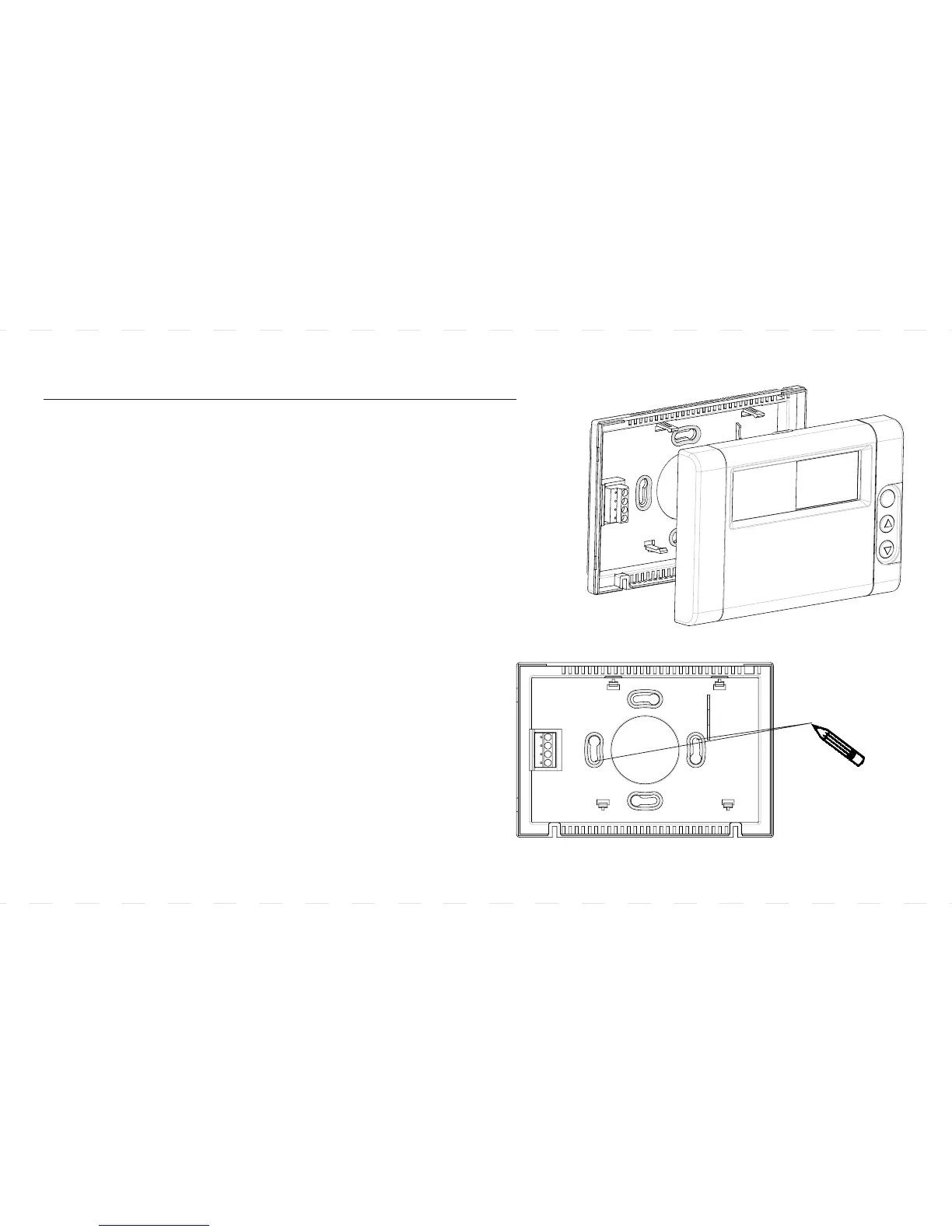
MOUNTING THE THERMOSTAT BACK-COVER
l The back-cover should be mounted horizontally
with the terminals on the left side.
l Thread the existing wiring through the big center hole
from the back and set the back-cover horizontally on the wall.
l Select two appropriate mounting holes and mark
the locations with a pencil. If necessary, use a level
to make sure the thermostat is leveled.
l Remove the back-cover from the wall and drill
two 3/16 inch holes in the marked screw positions.
Insert the wall-anchors into the holes completely.
If necessary, use a hammer to tap-in lightly.
l Mount the back-cover with the two screws to the wall.
Make sure the metal terminals are on the left side.
Back-Cover
Mark the locations
with a pencil.



 To Next Page