21
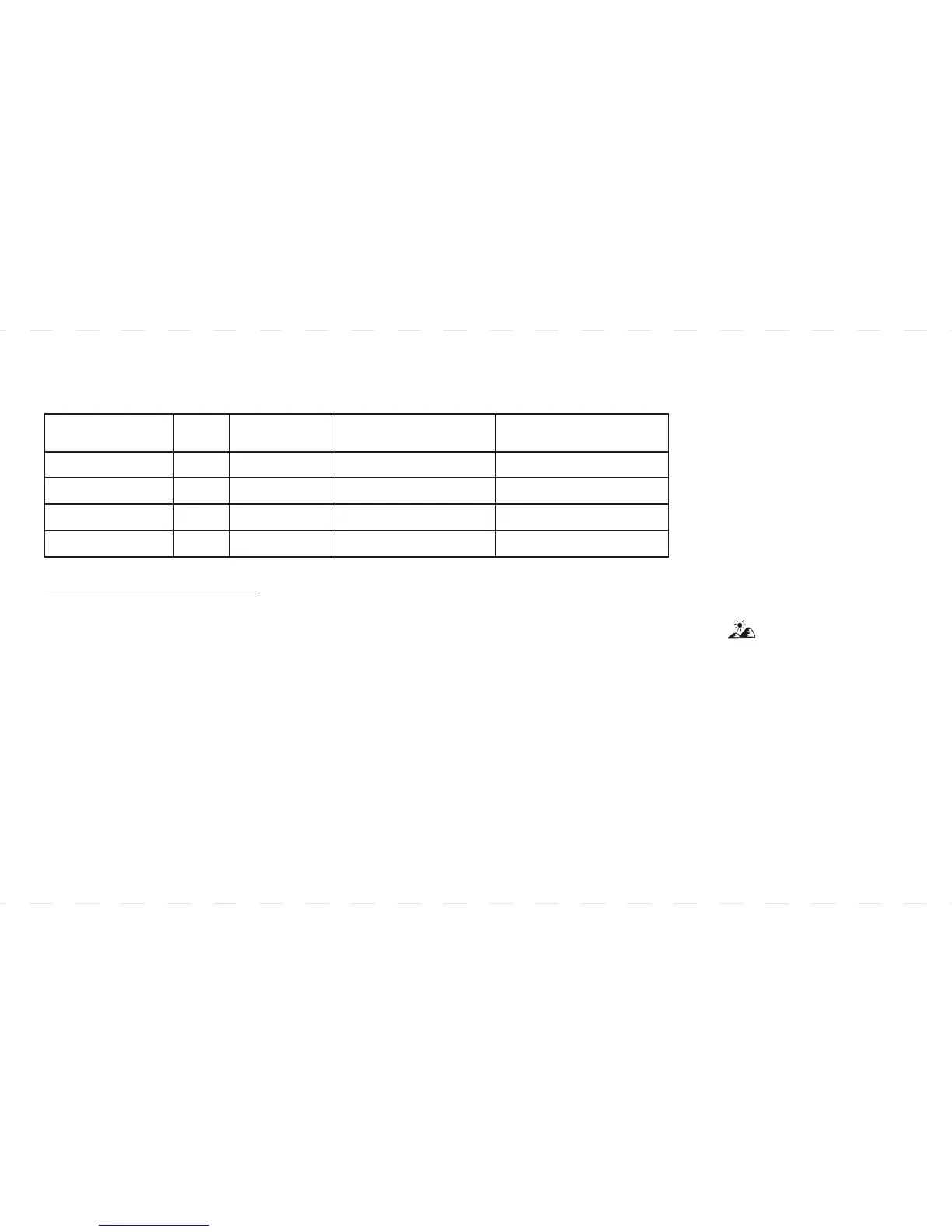
Below is a Schedule of the Pre-programmed Time and Temperature Settings:
HEATING PROGRAM
1- Slide the system switch to the HEAT position and press the PROG key once. The P1
and SET PROGRAM symbol will appear on the display. MO to FR symbol is shown indicating
weekday program is being displayed. (Figure 1)
2- Use AHEAD or BACK to select the desired start time for weekday program 1.
3- Use UP or DOWN (on extreme right) to set the desired temperature.
4- Temperature can be set in increments of 0.5°.
5- Program time can be set in increments of 10 minutes.
6- After setting correct time and temperature for program 1, press PROG again to display weekday program 2.
Repeat steps 2-5 for weekday programs (P2, P3 and P4) for weekend programming.
PERIOD
MORNING
DAY
EVENING
NIGHT
P TIME
P1
P2
P3
P4
6:00am
8:00am
5:00pm
10:00pm
HEAT COOL
SETPOINT
o o
69.0 F (20.5 C)
o o
63.5 F (17.5 C)
o o
70.0 F (21.0 C)
o o
62.5 F (17.0 C)
o o
77.0 F (25.0 C)
o o
84.0 F (29.0 C)
o o
77.0 F (25.0 C)
o o
79.0 F (26.0 C)
SETPOINT



 To Next Page