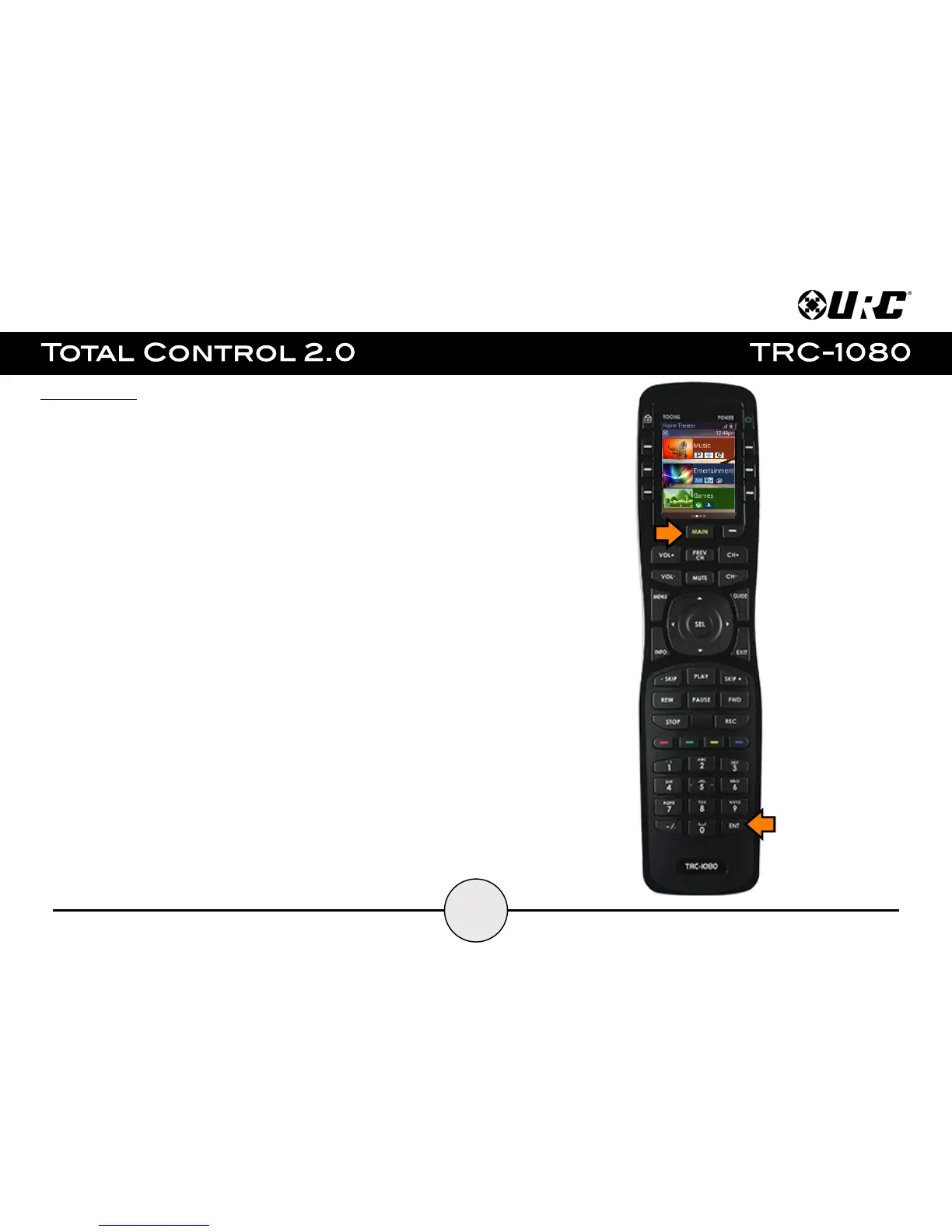
Settings Menu:
To access this menu, press and hold the Main and Enter buttons for greater than three
(3) seconds. Generally, the Settings Menu does not require any interaction with the
end-user.
The following options are available in the Settings Menu:
● Sleep Timers: Manage when the LCD screen turns OFF.
● Network: Use this option to connect the TRC-1080 to the home network.
● Brightness: Allows for the adjustment of the LCD screen's brightness.
● System: Provides general information such as memory used, current version, and
version details.
● Button Light: Adjust the brightness of the button backlight.
● Power: This option allows the user to set the level of battery charge remaining at
which point the remote control displays the Low Battery Indicator
● Date & Time: This option allows the user to set the Date & Time parameters that
are displayed on the remote control.
● Sound: This option allows the user to adjust the volume level of the remote
control's sound effects.
● Pickup: This option allows the user to turn on, turn off, or adjust the sensitivity of
the remote control’s automatic wake up setting.
● Software Update: This option allows the user to check for available firmware
updates and perform them.
● Factory Default: This option allows the user to reset the remote control’s
custom programming to the factory settings.


 To Next Page