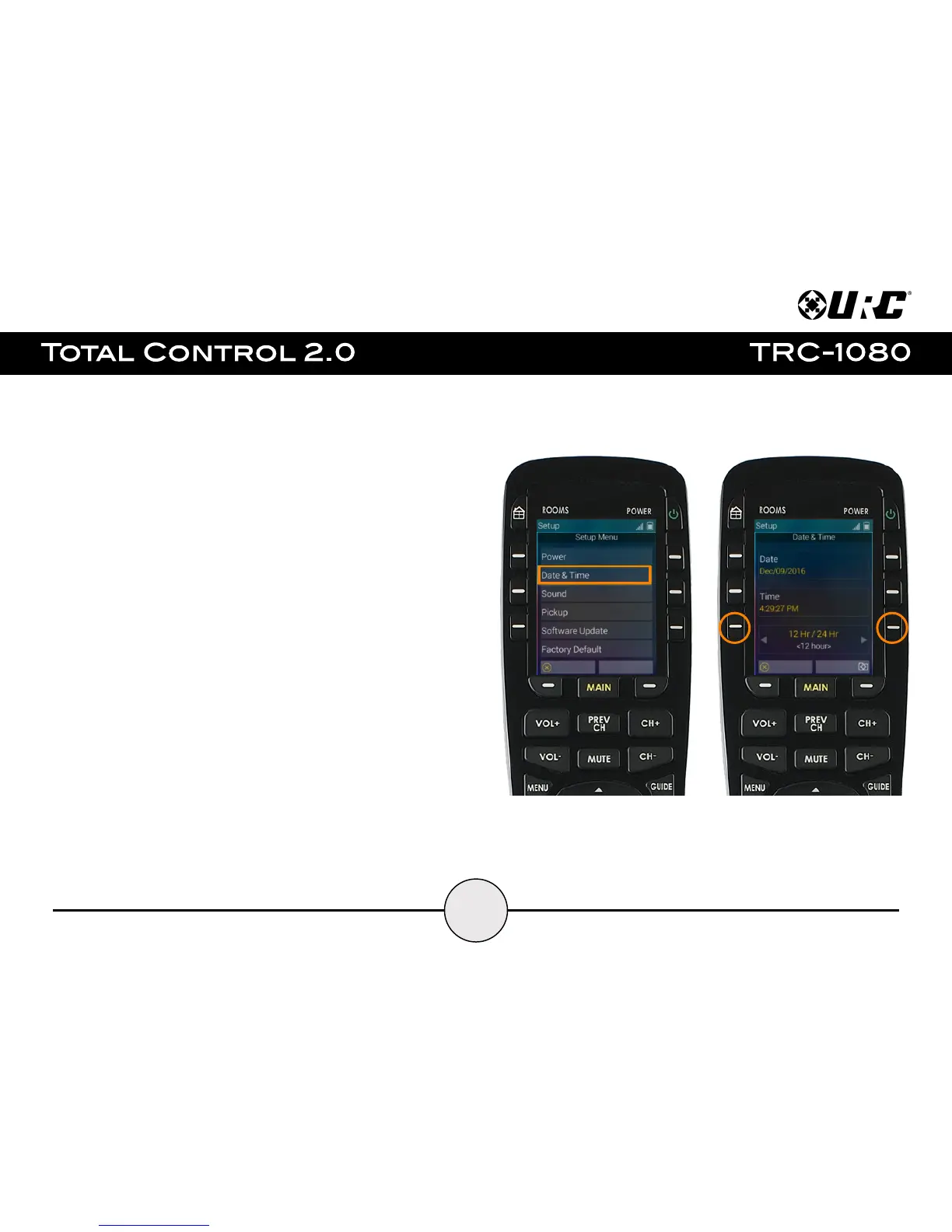
Date & Time:
Allows the user to adjust the settings of the remote control's display of the date and
time on the LCD screen.
● Date: Select this option using either the left or right LCD button. This allows
for a manual adjustment of the Month, Day, and Year.
● Time: Select this option using either the left or right LCD button. This allows
for a manual adjustment of the Hour, Minutes, and seconds.
● 12 Hr/24 Hr: Use the left and right LCD buttons to adjust the time format.


 To Next Page