21
DS4057-001C
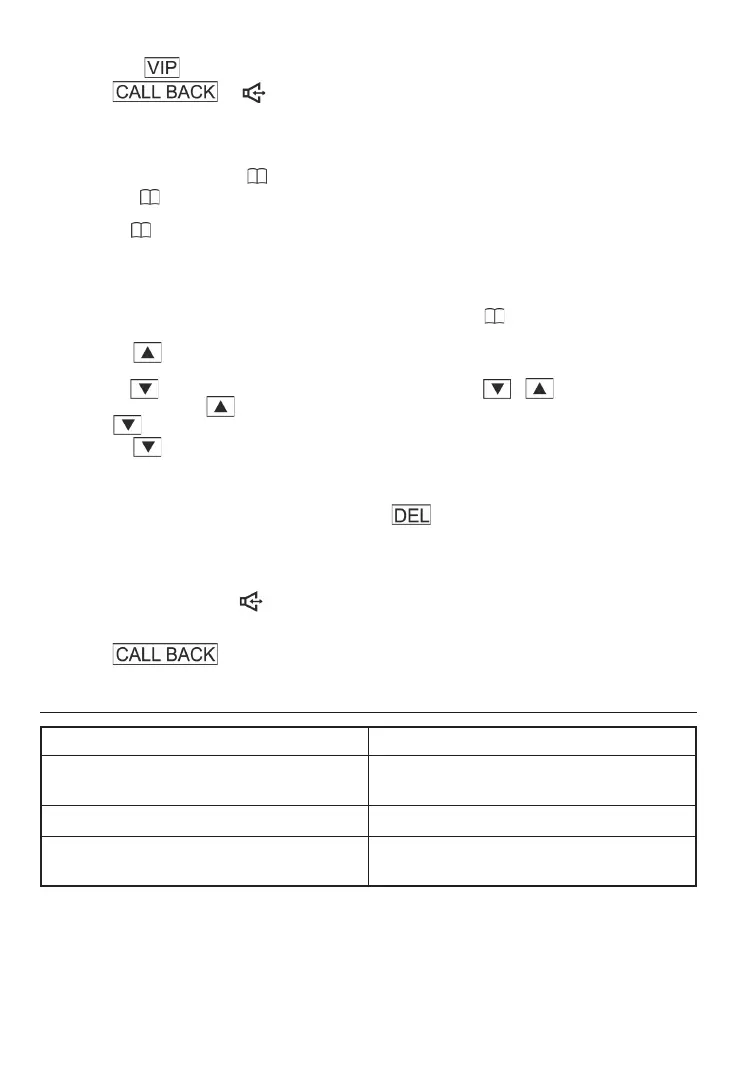
c. Press continuously to select the VIP number which you want to dial,
press or to dial.
C. PHONE BOOK
1. Store Phone Book Memories:
In on-hook status, press . LCD will display ADD ↑ SEARCH ↓.
a. Press to access the telephone number input page and enter the telephone
number.
b. Press
to save and enter another name and phone number. You can store 80 entries
at most in the phone book. Once the entries reached 80, the LCD will display MEMORY
FULL.
2. Review phone book
In on-hook status or picking up the handset status, press to access the phone book
page,LCD will display ADD ↑ SEARCH ↓.
a. press , TO ENTER edit status, the operation is same as the above store phone
book entries.
b. press , LCD will display “PLS INPUT NAME”, press / to review the phone
book record, press to review the phone book record from the fi rst one to the last one.
press to review the phone book record from the last one to the fi rst one
c. press , LCD will display ”PLS INPUT NAME”, if you enter the inital letter of the
phone book, then you can review the phone book by the fi rst letter of the name.
3. Delete Phone Book:
In phone-book-review status, press and hold for 2 seconds to delete the reviewing
phone book.
4. Dial from Phone Book
a. In on-hook status, when review the phone book and fi nd the number you
wish to dial, press or pick up the handset to dial the stored phone
number.
b. In off-hook status, when review the phone book and fi nd the number you wish to dial,
press to dial the stored phone number.
TROUBLE SHOOTING GUIDE
SYMPTOM CAUSE AND REMEDY
Phone does not work Is the phone cord connected properly both
in wall jack and in the base unit ?
Ringer volume is too low Is ringer volume set on law ?
Phone can receive but can not make calls The Tone/pulse switch has to meet the local
telecom dialing mode.




 To Next Page