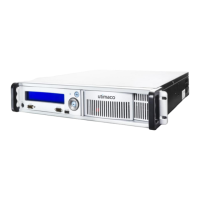
6. Screw on the black screw cap of the battery compartment to close it, by slightly pushing
the screw cap with your finger and turning it clockwise with the other hand.
Do not misthread the black screw cap when screwing it on battery compartment.
Figure 17: Screwing on the screw cap of the battery compartment for the external battery
7. Close the front door of the CryptoServer LAN, and lock it by turning the knurled screw
clockwise.
8. Check the battery state as described in Chapter 4.1 of this manual.
The battery power level shown in the display of the CryptoServer LAN is not updated very
frequently. Therefore, we recommend you to wait for at least three minutes before checking
the battery state.
If the state of the external battery is shown as absence, check that the new battery has been
connected correctly.


 To Next Page