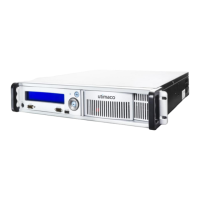
Disposing of the CryptoServer LAN
6 Disposing of the CryptoServer LAN
In this chapter you can find out what you need to take into account when you want to dispose
of your CryptoServer LAN.
Of course, you also have the option of returning the CryptoServer LAN that you no longer
require to us, Utimaco, as the manufacturer. In this case, we will take care for disposing of
the CryptoServer LAN and the batteries in an environmentally friendly way.
6.1 Deleting All Sensitive Data
You must delete all sensitive data in your CryptoServer LAN before disposing of it.
To delete all sensitive data in your CryptoServer LAN proceed as follows:
1. Turn the knurled screw counterclockwise to open the front door of the CryptoServer LAN.


 To Next Page