PHONE BOOK
MENU FUNCTION
41
ERASE GROUP
To erase a group, press Left Soft Key [Menu]
, . Select an existing group name.
Press Right Soft Key [Option] then select “Erase”.
“Erase Entry?” will be displayed.
Press Right Soft Key [Yes]. “ERASED” will be
displayed.
Default group names (No Group, Family, Friends, Colleagues,
Business) cannot be erased.
H
SPEED DIALS
In idle mode, calls can be placed to numbers stored in speed dial by
pressing & holding the location number on the key pad. For a 2-
digit location number, press the first number, then press and hold
the second number.
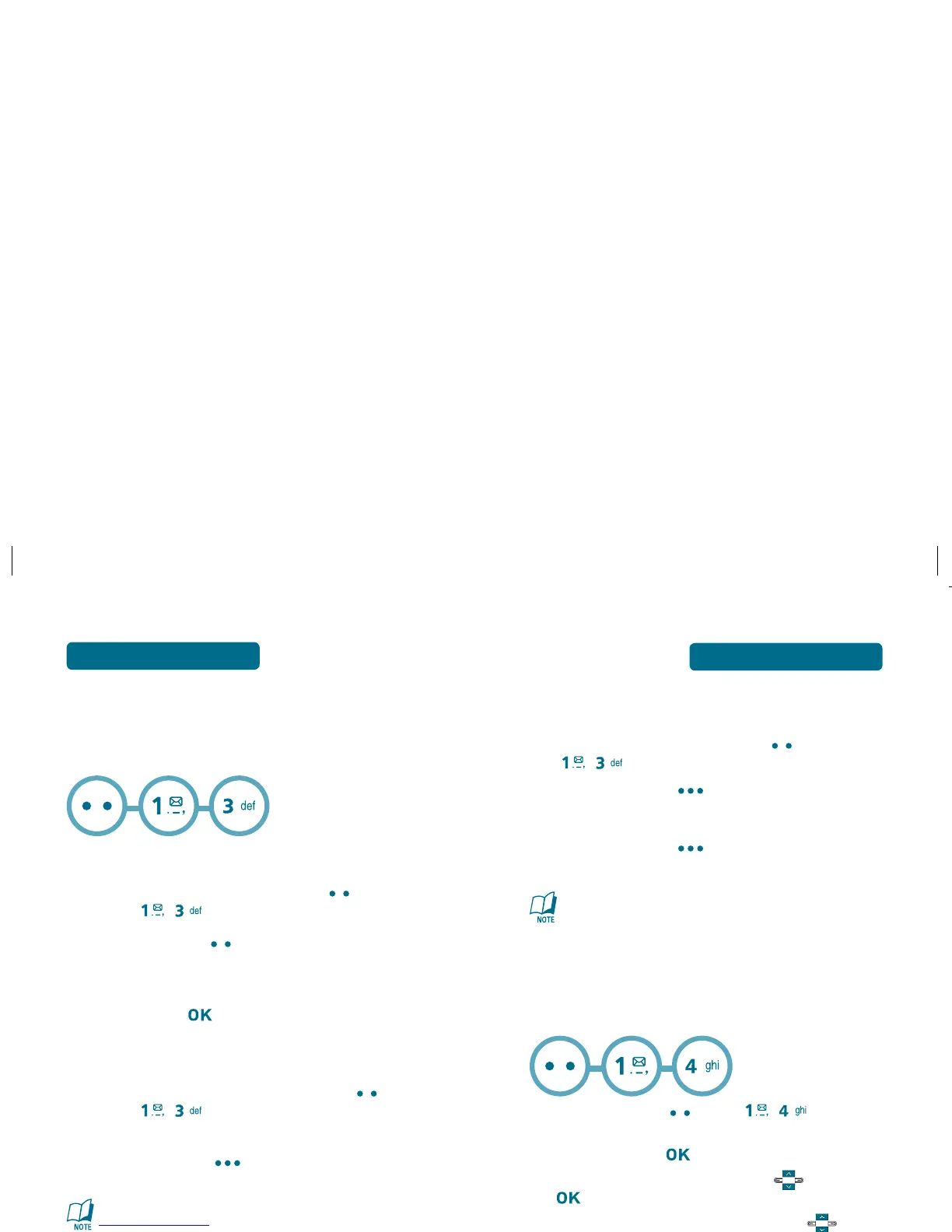
Press Left Soft Key [Menu] , .
To assign a phone number to a location, select the
location and press [SET].
Select the entry with Navigation Key and press
[OK].
Select phone number with Navigation Key and
press [OK].
“Unassigned” appears if the location is available.
To call an assigned number, press & hold the last digit of the
speed dial #.
40
PHONE BOOK
MENU FUNCTION
H
GROUPS
Allows you to classify phone entries into groups.
Existing groups include No Group, Family, Friends, Colleagues and
Business.
ADD NEW GROUP
To add a new group, press Left Soft Key
[Menu] , .
Press Left Soft Key [New].
Input a new group name.
To save it, press [SAVE].
CHANGE GROUP NAME
To change a group name, press Left Soft Key
[Menu] , .
Select an existing group name.
Press Right Soft Key [Option] then select
“Rename”.
Default group names (No Group, Family, Friends, Colleagues,
Business) cannot be changed.
Input a new group name.
To save it, press [SAVE].



 To Next Page