59
SETTINGS
MENU FUNCTION
MEDIA GALLERY
MENU FUNCTION
58
H
SOUNDS
RINGER VOLUME
To select a ringer volume:
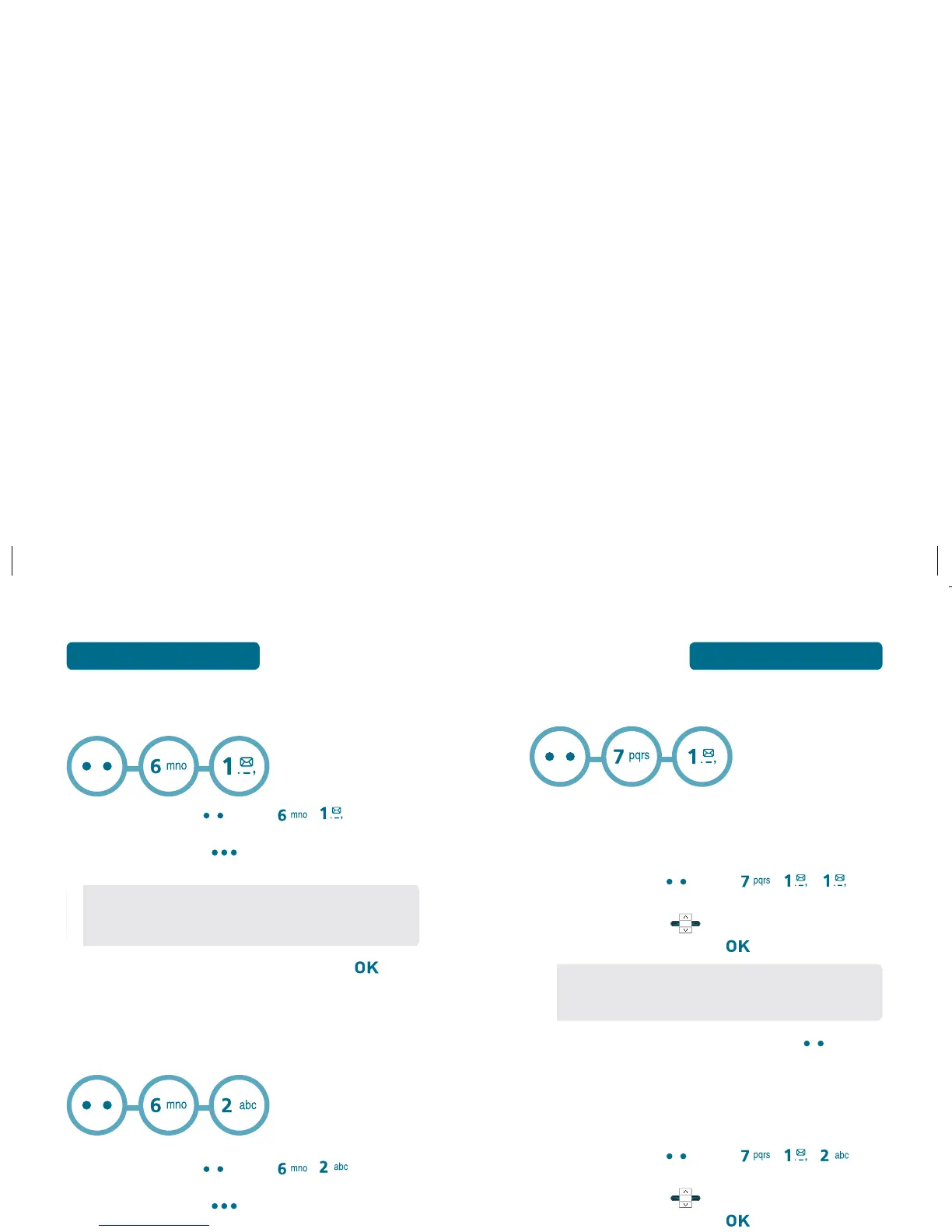
Press Left Soft Key [Menu] , , .
Use Navigation Key to select one of the
following options, then press [SET] to save it.
To play ringer volume, press Left Soft Key
[Play/Stop].
APP VOLUME
To adjust the applications volume level:
Press Left Soft Key [Menu] , , .
Use Navigation Key to select one of the
following options, then press [SET] to save it.
•
All Sounds Off
•
Vibrate Only
•
Low / Medium Low / Medium / Medium High / High
•
Off / Low / Medium Low / Medium / Medium High
/ High
H
SOUND BOX
To view the list of Sounds and Ringtones:
Press Left Soft Key [Menu] , .
Press Right Soft Key [Option] to access the
following:
Select the sound you want to play then press
[PLAY].
H
PICTURE BOX
To view the list of Pictures taken with the Camera:
Press Left Soft Key [Menu] , .
Press Right Soft Key [Option] to access the
following:
•
Set as
•
Erase All
•
File Info
•
Set As Wallpaper
•
Send
•
Send Onine Album
•
Rename
•
Lock
•
Erase
•
Erase all
•
File Info



 To Next Page