81
UTILITIES
MENU FUNCTION
80
UTILITIES
MENU FUNCTION
H
VOICE MEMO
Voice Memo allows you to record a reminder message that can be
up to 60 seconds. To record a memo:
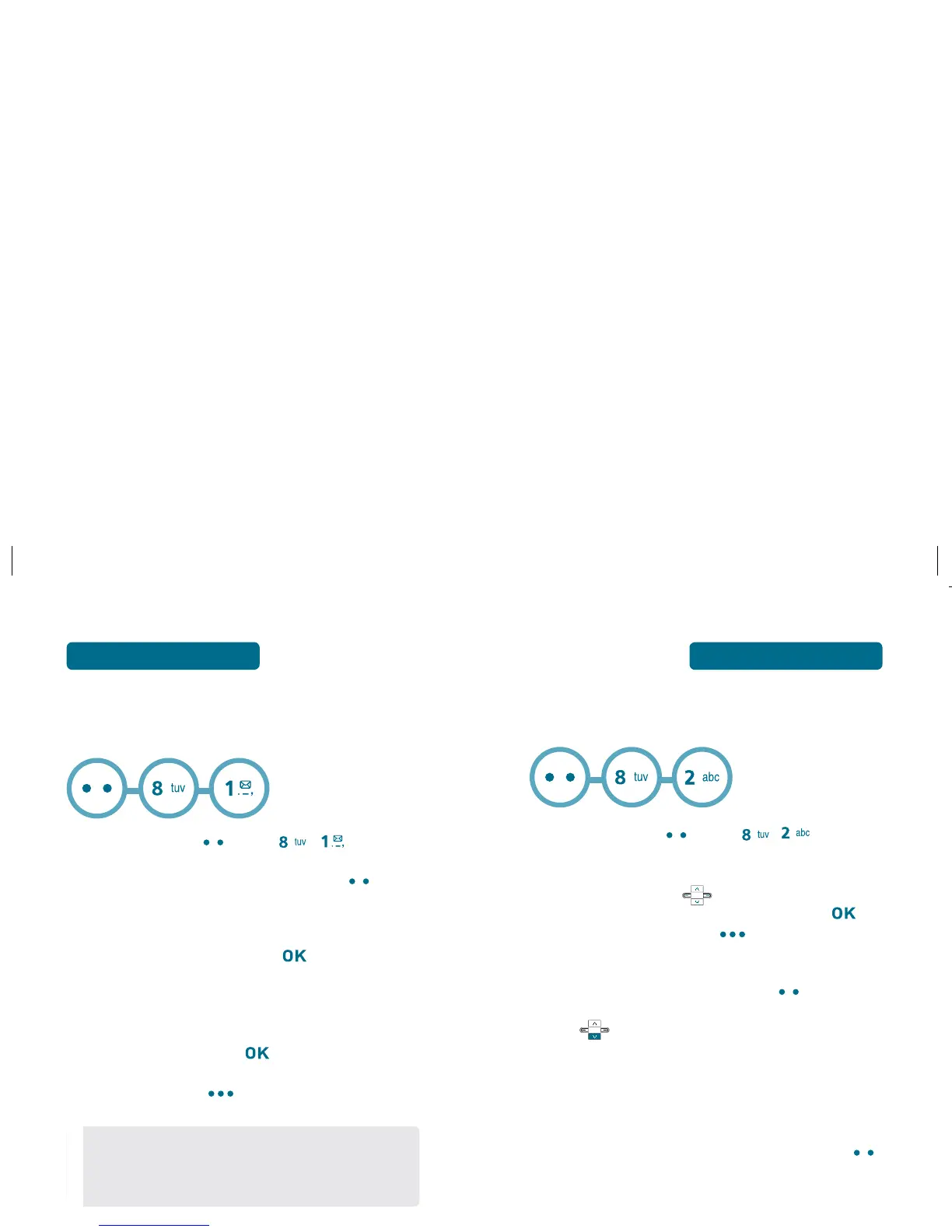
Press Left Soft Key [Menu] , .
To record a voice memo, press Left Soft Key [New].
Instructions will be displayed and you will hear
“Please record at the tone”.
To stop recording a memo, press [STOP].
PLAY VOICE MEMO
Select the voice memo you want to play.
To play voice memo, press [PLAY].
Press Right Soft Key [Option] to access the
following:
• Rename
• Erase
• Erase All
• Send Msg.
H
CALENDAR
Sets an event and reminds you of that event.
Press Left Soft Key [Menu] , .
ADD NEW PLAN
Move Navigation Key left, right, up or down
to choose a date in the calendar and then press
[VIEW]. Press Right Soft Key [Option] to 1. Weekly
View, 2. Go To Date, 3. Erase Passed or 4. Erase All.
To set a new event, press Left Soft Key [Add].
The appointment field is highlighted. Press Navigation
Key to set the calendar options.
APPOINTMENT
Use the keypad to enter an appointment name in your
schedule.
START TIME
Use the keypad to set a start time and Left Soft Key
to select “am” or “pm”.
END TIME
Use the keypad to set an end time and
Left Soft Key
to select “am” or “pm”.
REMINDER
Use Navigation Key
to select an alert time interval
option (0 Minute, 5 Minutes, 10 Minutes, 15 Minutes).



 To Next Page