47
RECENT CALLS
MENU FUNCTION
46
RECENT CALLS
MENU FUNCTION
H
MISSED CALLS
Displays information about the 90 most recently missed calls.
Place a call to a missed call number by simply pressing
.
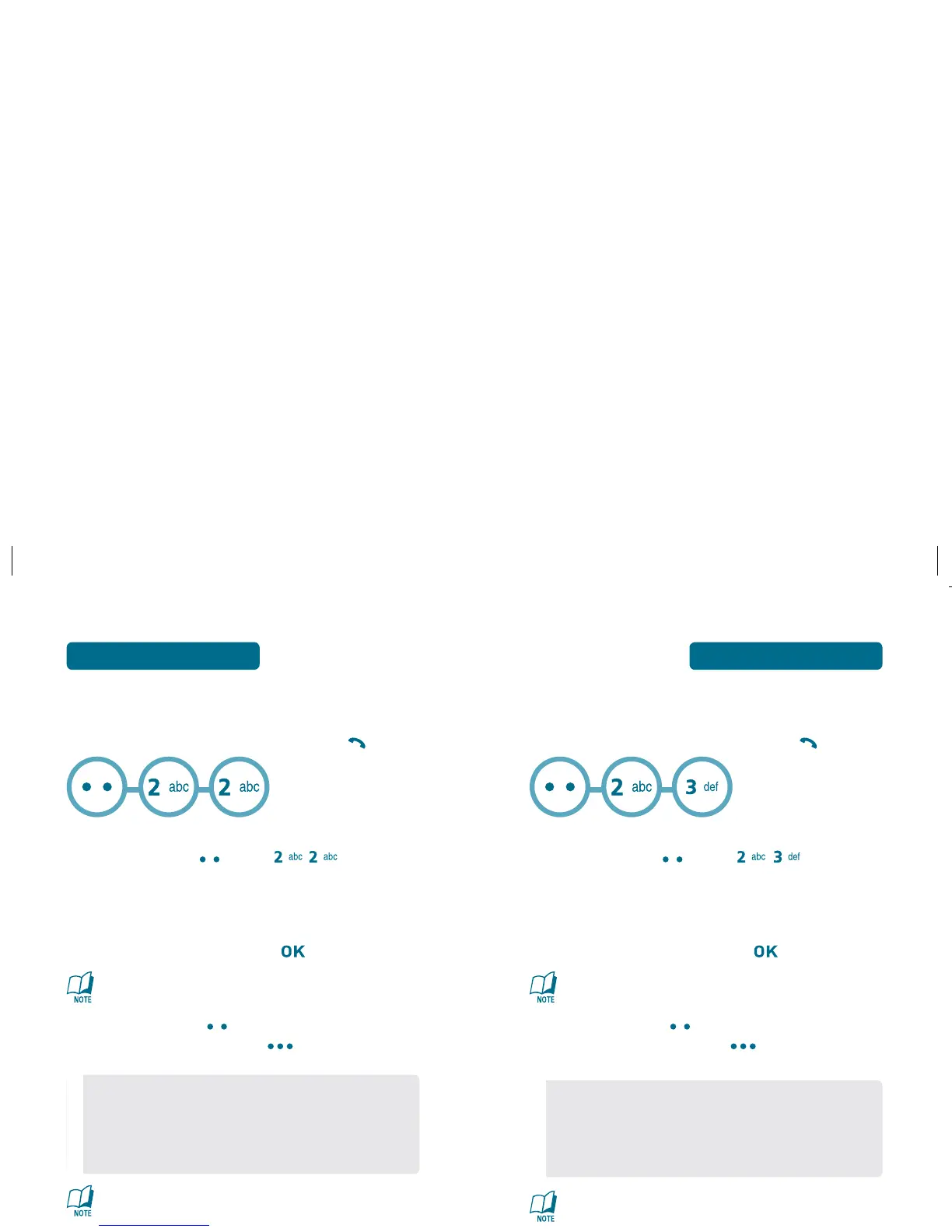
To see a list of the 90 most recently missed calls,
press Left Soft Key [MENU] , .
If the number is already stored in your Contacts,
only the name appears. If the number is not stored,
only the phone number appears.
To view missed call details, press [VIEW].
Call details include date, time and phone number.
Press Left Soft Key [Msg] to send a TXT or Picture
message. Press Right Soft Key [Option] to see the
options below:
After 90 missed calls, the oldest call will automatically be
erased from the history.
•
Save : Stores the phone number in your Contacts.
•
Prepend : The user may add numbers before the
number, such as an aea code.
•
Erase : To erase a missed call entry.
•
Erase All : To erase all missed call entries.
H
RECEIVED CALLS
Displays information about the 90 most recently answered calls.
Place a call to a received number by simply pressing
.
To see a list of the 90 most recently received calls,
press Left Soft Key [MENU] , .
If the number is already stored in your Contacts,
only the name appears. If the number is not stored,
only the phone number appears.
To view received call details, press [VIEW].
Call details include date, time and phone number.
Press Left Soft Key [Msg] to send a TXT or Picture
message. Press Right Soft Key [Option] to see the
options below:
After 90 received calls, the oldest call will automatically be
erased from the history.
•
Save : Stores the phone number in your Contacts.
•
Prepend : The user may add numbers before the
number, such as an aea code.
•
Erase : To erase a received calls entry.
•
Erase All : To erase all received call entries.



 To Next Page