89
CAMERA
MENU FUNCTION
88
CAMERA
MENU FUNCTION
H
TAKE PICTURE
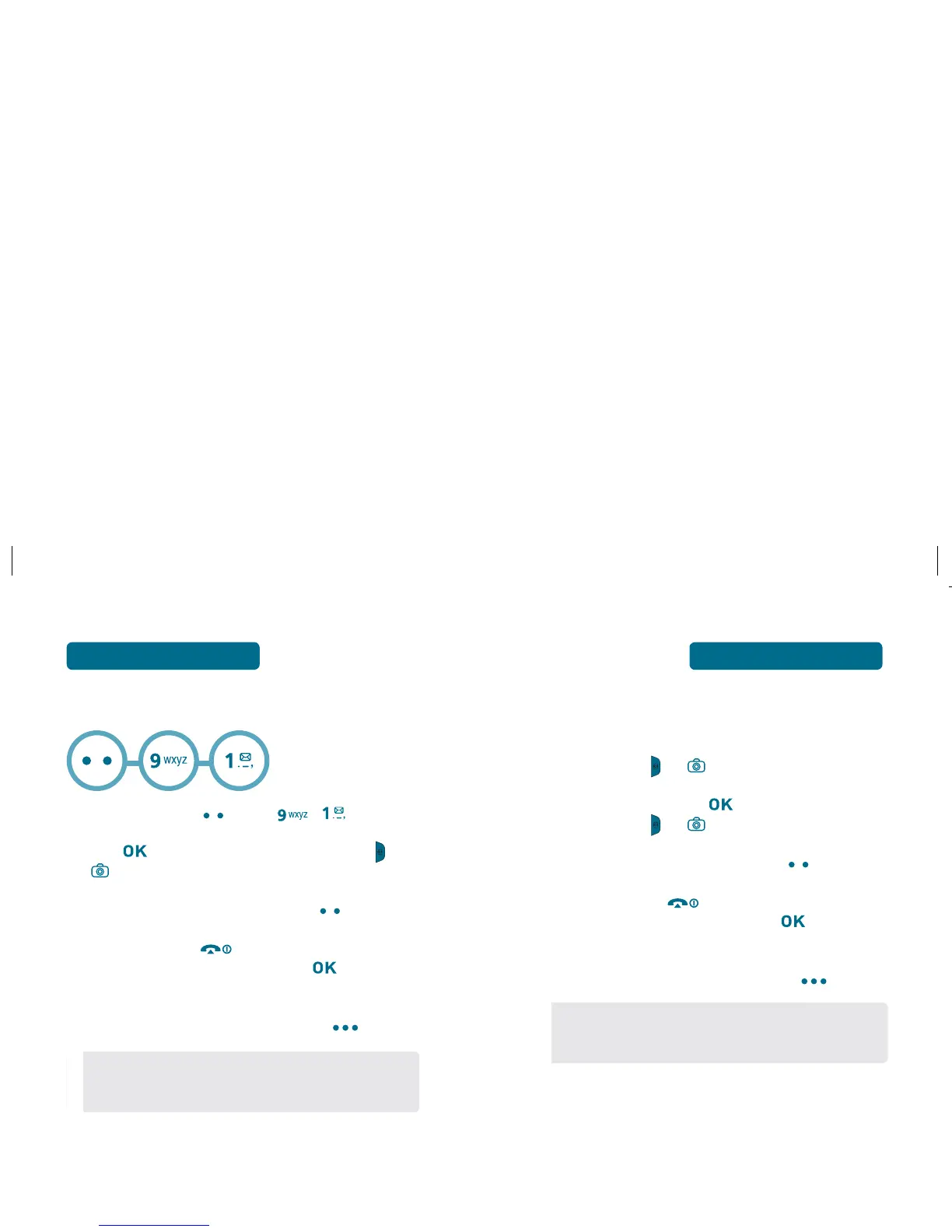
Press Left Soft Key [Menu] , .
Press [TAKE], the Right Side Camera Button , or
to take the picture.
To save the picture, press Left Soft Key [SAVE].
To go back to idle mode without saving the picture,
press the END Key .
To send the picture to someone, press [SEND].
Please refer to page 96 for more details on
“New Picture Message”.
To erase the picture, press Right Soft Key [ERASE].
•
If you receive an incoming call while taking a picture,
the camera mode will turn off. You may not receive a
warning before the incoming call.
TAKING A PICTURE IN IDLE MODE
To activate Camera Mode, press Right Side
Camera Button
, or .
To take the picture, press [TAKE], Right Side
Camera Button , or .
To save the picture, press Left Soft Key [SAVE].
To go back to idle mode without saving the picture,
press the END Key .
To send the picture to someone, press [SEND].
Please refer to page 96 for more details on
“New Picture Message”.
To erase the picture, press Right Soft Key [ERASE].
•
If you receive an incoming call while taking a picture,
the camera mode will turn off. You may not receive a
warning before the incoming call.



 To Next Page