63
SETTINGS
MENU FUNCTION
62
SETTINGS
MENU FUNCTION
POWER ON/OFF
POWER ON
Allows you to activate/deactivate the power on tones.
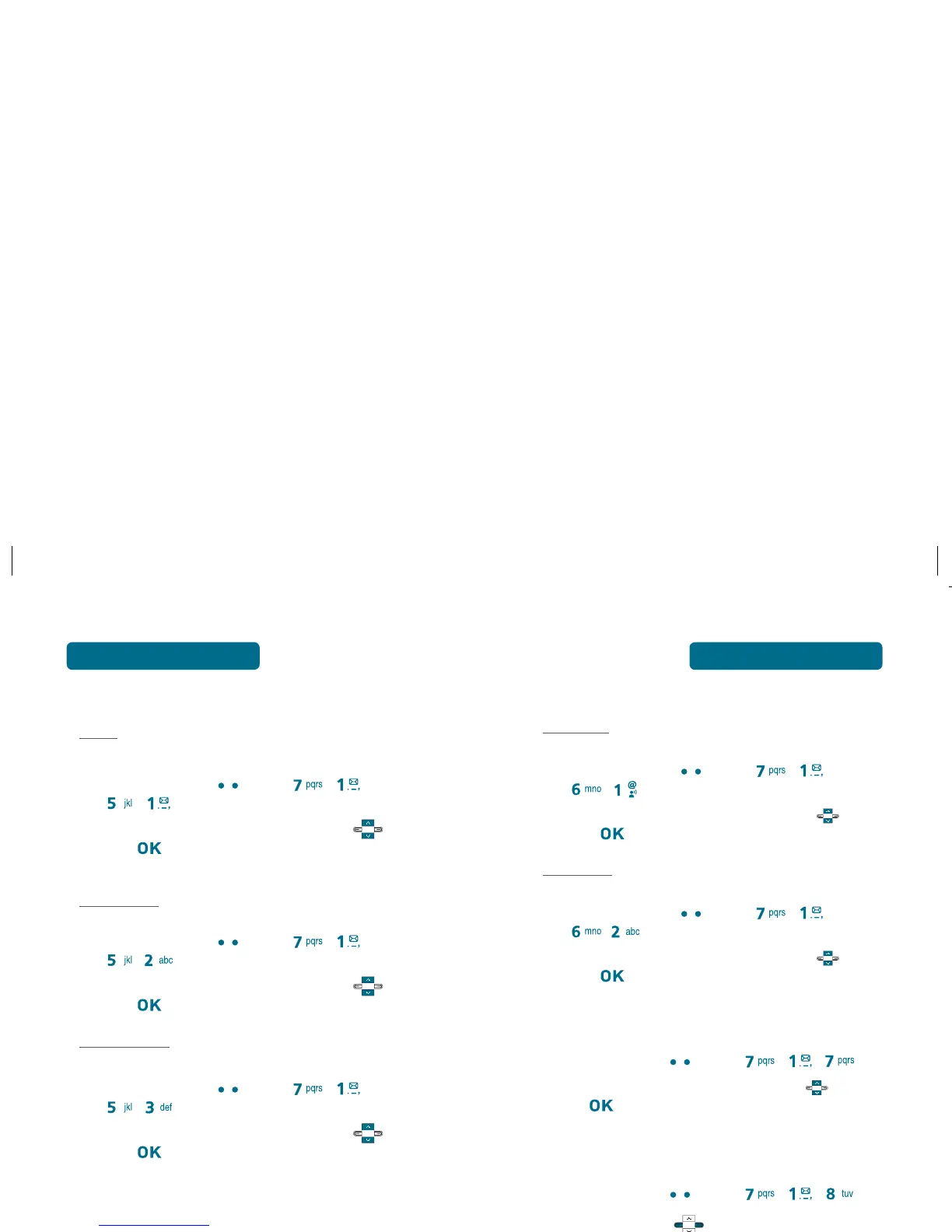
Press Left Soft Key [Menu] , ,
, .
Select “On” or “Off” with Navigation Key then
press to save it.
POWER OFF
Allows you to activate/deactivate the power off tones.
Press Left Soft Key [Menu] , ,
, .
Select “On” or “Off” with Navigation Key then
press to save it.
FLIP TONE
Allows you to activate/deactivate the Flip tone.
Press Left Soft Key [Menu] , , .
Select “On” or “Off” with Navigation Key then
press to save it.
KEY TONE VOLUME
To select a keypad tone you will hear when you press a key:
Press Left Soft Key [Menu] , , .
Use Navigation Key to select one of the follow-
ing options, then press [OK] to save it.
•
Off / Low / Medium Low / Medium / Medium High
/ High
SERVICE ALERTS
ROAM
Sounds an alert when leaving a service area and entering a
roaming service area.
Press Left Soft Key [Menu] , ,
, .
Select “On” or “Off” with Navigation Key then
press to save it.
MINUTE BEEP
Sounds an alert every minute during a call.
Press Left Soft Key [Menu] , ,
, .
Select “On” or “Off” with Navigation Key then
press to save it.
CALL CONNECT
Notifies you that a call has been successfully placed.
Press Left Soft Key [Menu] , ,
, .
Select “On” or “Off” with Navigation Key then
press to save it.



 To Next Page