2 Device Introduction
41
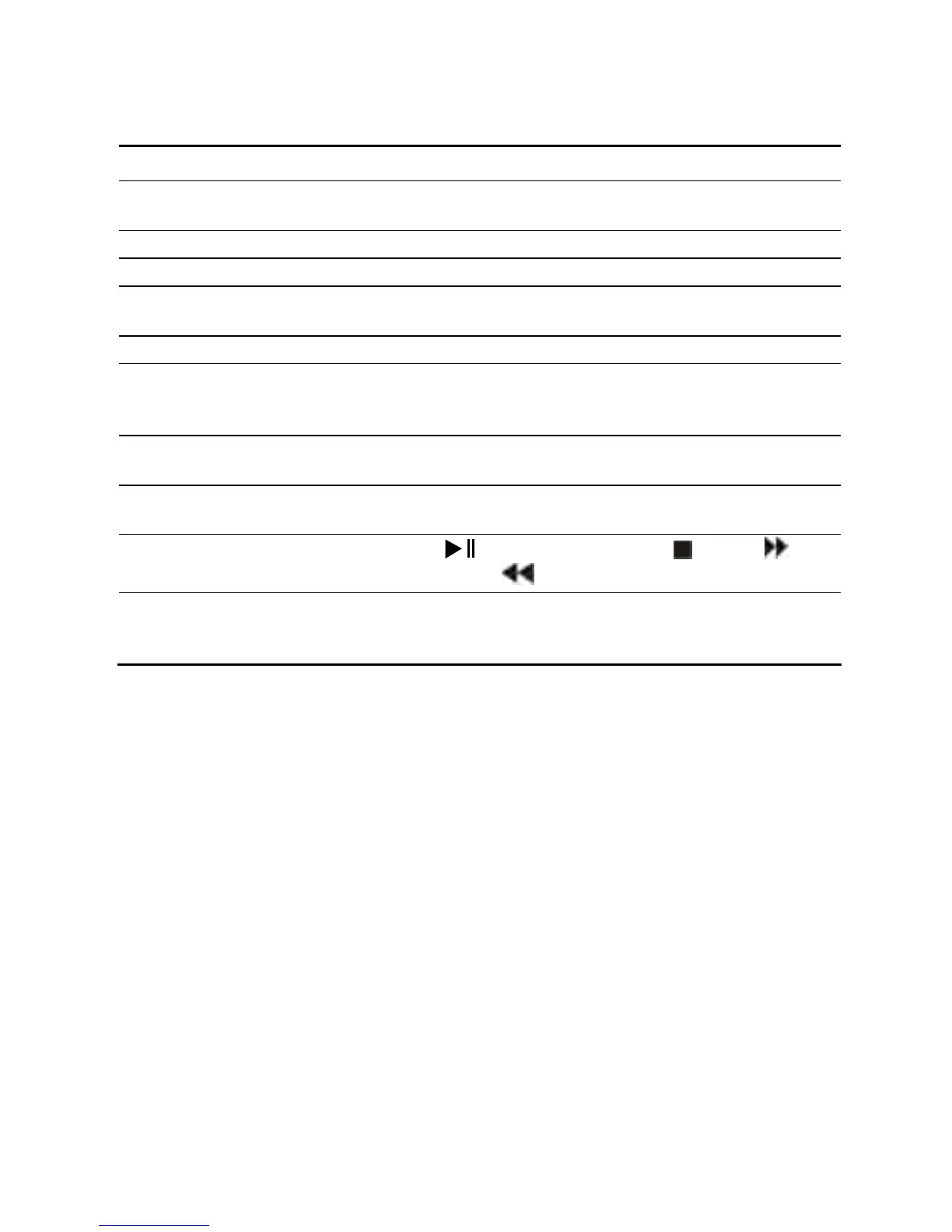
Items Button Description
5
CH (CHANNEL) +
-
Use to select channels on the Media Console.
6 VOLUME Use to adjust volume on the Media Console.
7/8 PAGE + - Use to view next/previous page.
9 Menu
Use to go to the Electronic Program Guide main
page.
10 BACK Use to return to the previous page.
11
Navigation
Buttons
Use the arrow keys to navigate the Electronic
Program Guide and press OK to confirm a
selection.
12 INFO
Use to view the current program related
information.
13 Switch
Use to switch between the current program and the
previous program.
14
Playback control
buttons
Press
to play/pause-resume, to stop, to
fast-forward
to fast-reverse
15 Color buttons
Provide shortcut access to different services.
Please refer to the instructions on the screen for
details.


 To Next Page