3 Hardware Installation
46
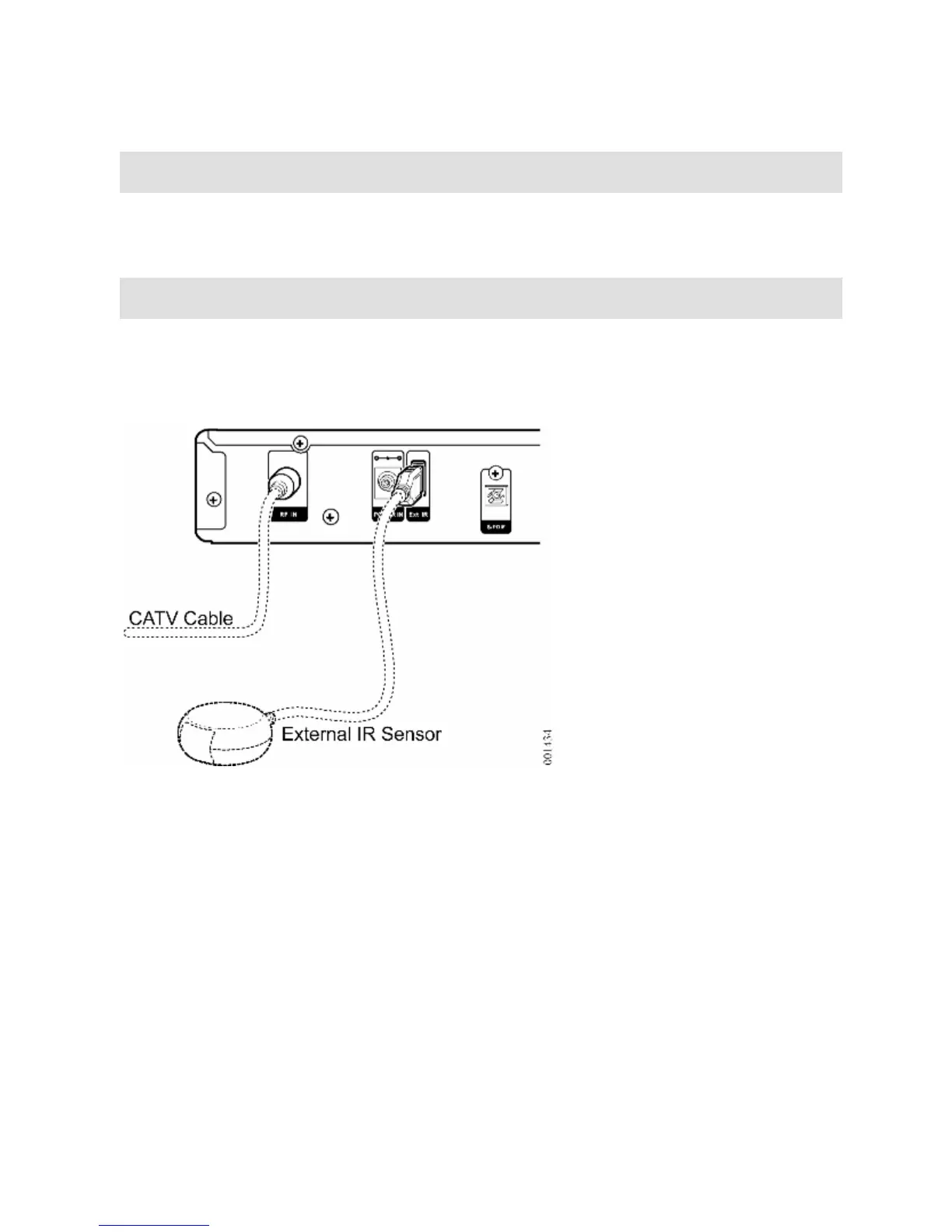
Connecting CATV Cable
To watch traditional cable TV, plug the CATV cable into the Media Console
RF IN connector, as shown on the left side of Figure 11.
Optional External IR Sensor
To use the remote control with an external IR sensor, plug the external IR
sensor USB cable into the Media Console Ext IR connector.
Figure 11 CATV and Optional IR Sensor Connections


 To Next Page