3 Hardware Installation
42
3Har d war e Inst allat ion
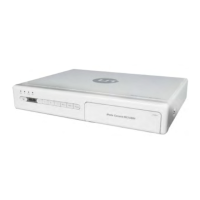
This chapter describes how to connect the MC1088H cables. Before
connecting, be sure to:
Turn off the power on all devices to be connected
Read these instructions
Installation Preparation
Check the MC1088H package for the following items:
One Media Console 1088H
One audio/video cable (yellow: video, white: left channel, red: right
channel)
One Ethernet cable
One external IR receiver (optional)
One power adaptor
One remote control
Two AAA Batteries
If any of the items is missing, please contact your service provider.


 To Next Page