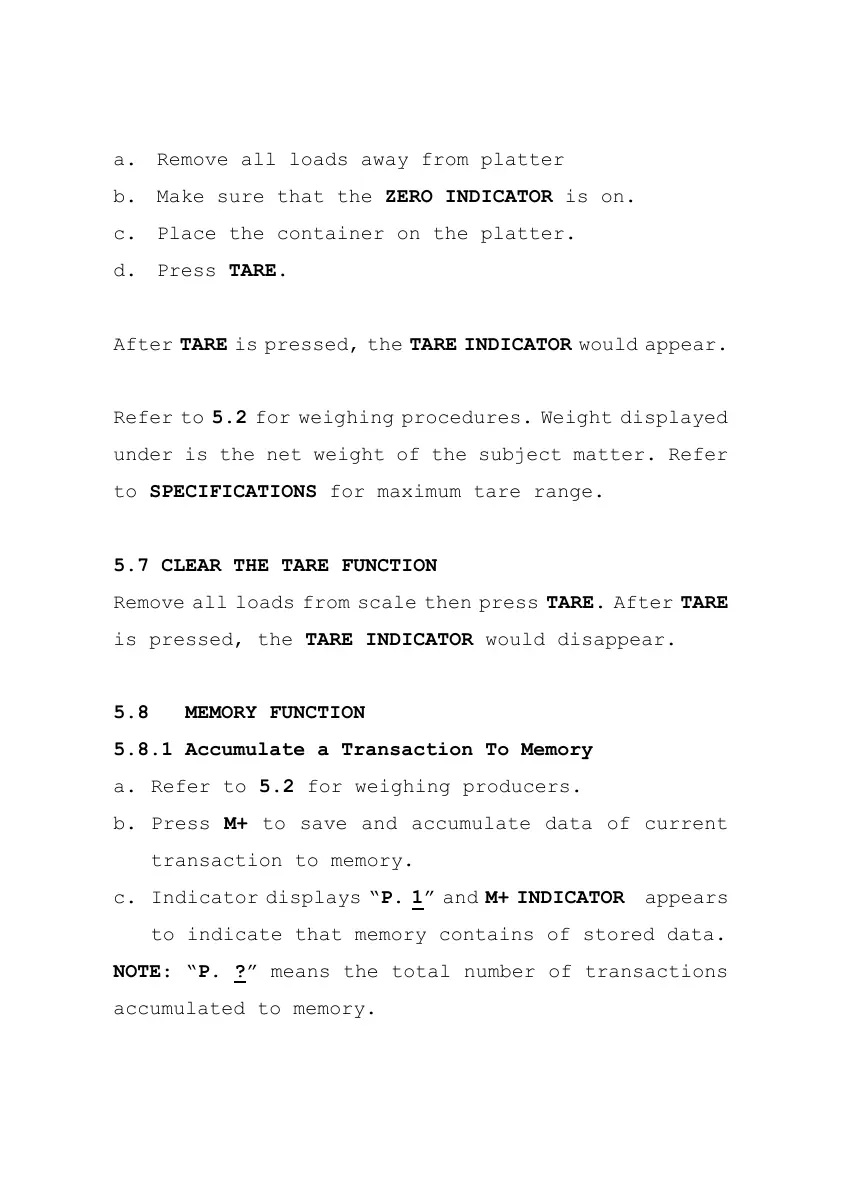
a. Remove all loads away from platter
b. Make sure that the ZERO INDICATOR is on.
c. Place the container on the platter.
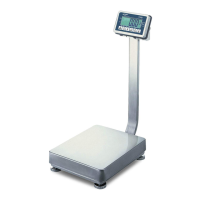
d. Press TARE.
After TARE is pressed, the TARE INDICATOR would appear.
Refer to 5.2 for weighing procedures. Weight displayed
under is the net weight of the subject matter. Refer
to SPECIFICATIONS for maximum tare range.
5.7 CLEAR THE TARE FUNCTION
Remove all loads from scale then press TARE. After TARE
is pressed, the TARE INDICATOR would disappear.
5.8 MEMORY FUNCTION
5.8.1 Accumulate a Transaction To Memory
a. Refer to 5.2 for weighing producers.
b. Press M+ to save and accumulate data of current
transaction to memory.
c. Indicator displays “P. 1” and M+ INDICATOR appears
to indicate that memory contains of stored data.
NOTE: “P. ?” means the total number of transactions
accumulated to memory.


 To Next Page