4. INITIAL SETUP
4.1 PLACING THE SCALE
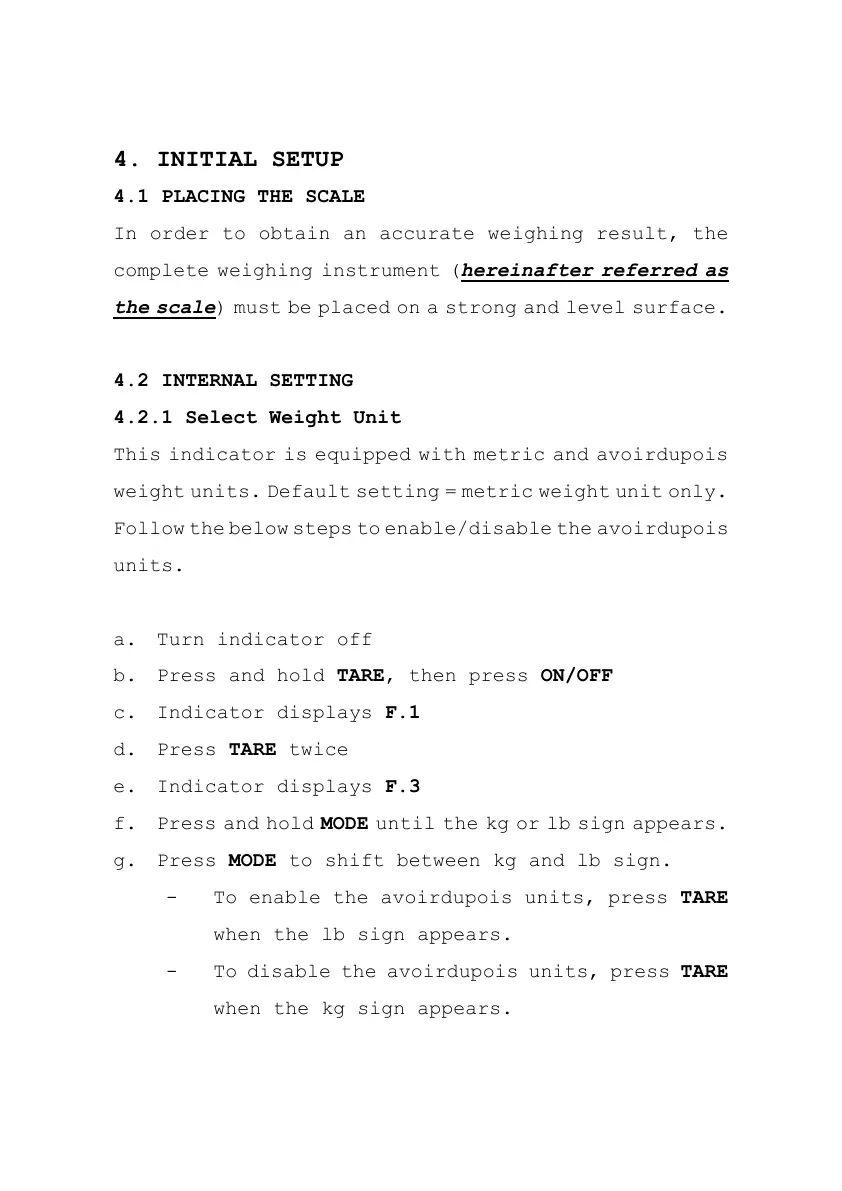
In order to obtain an accurate weighing result, the
complete weighing instrument (hereinafter referred as
the scale) must be placed on a strong and level surface.
4.2 INTERNAL SETTING
4.2.1 Select Weight Unit
This indicator is equipped with metric and avoirdupois
weight units. Default setting = metric weight unit only.
Follow the below steps to enable/disable the avoirdupois
units.
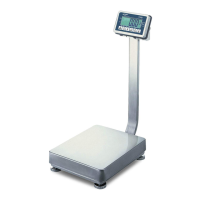
a. Turn indicator off
b. Press and hold TARE, then press ON/OFF
c. Indicator displays F.1
d. Press TARE twice
e. Indicator displays F.3
f. Press and hold MODE until the kg or lb sign appears.
g. Press MODE to shift between kg and lb sign.
- To enable the avoirdupois units, press TARE
when the lb sign appears.
- To disable the avoirdupois units, press TARE
when the kg sign appears.


 To Next Page