for 4 minutes. Follow the below steps to enable/disable
Auto Power Off Function.
a. Scale is off
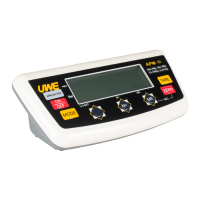
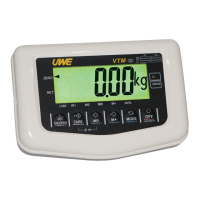
b. Press and hold TARE, then press ON/ZERO
c. Scale displays F1
d. Press TARE three times to F4
e. Press MODE to shift between 0_OFF or 4_OFF
-To enable Auto Power Off Function, press TARE when
4_OFF appears
-To disable Auto Power Off Function, press TARE when
0_OFF appears
f. Press TARE to exit and press ON/ZERO to restart the
scale
4.2.3 Select RS-232 Baud Rate & Protocol
This scale is equipped with 4 RS232C output baud rate
and 2 transmission protocol settings for user to select.
a. Scale is off
b. Press and hold TARE, then press ON/ZERO
c. Scale displays F1
d. Press TARE four times to F5
e. Press MODE to enter
f. Press M+ to select baud rate of 4800, 9600, 19200
or 38400



 To Next Page