-2-
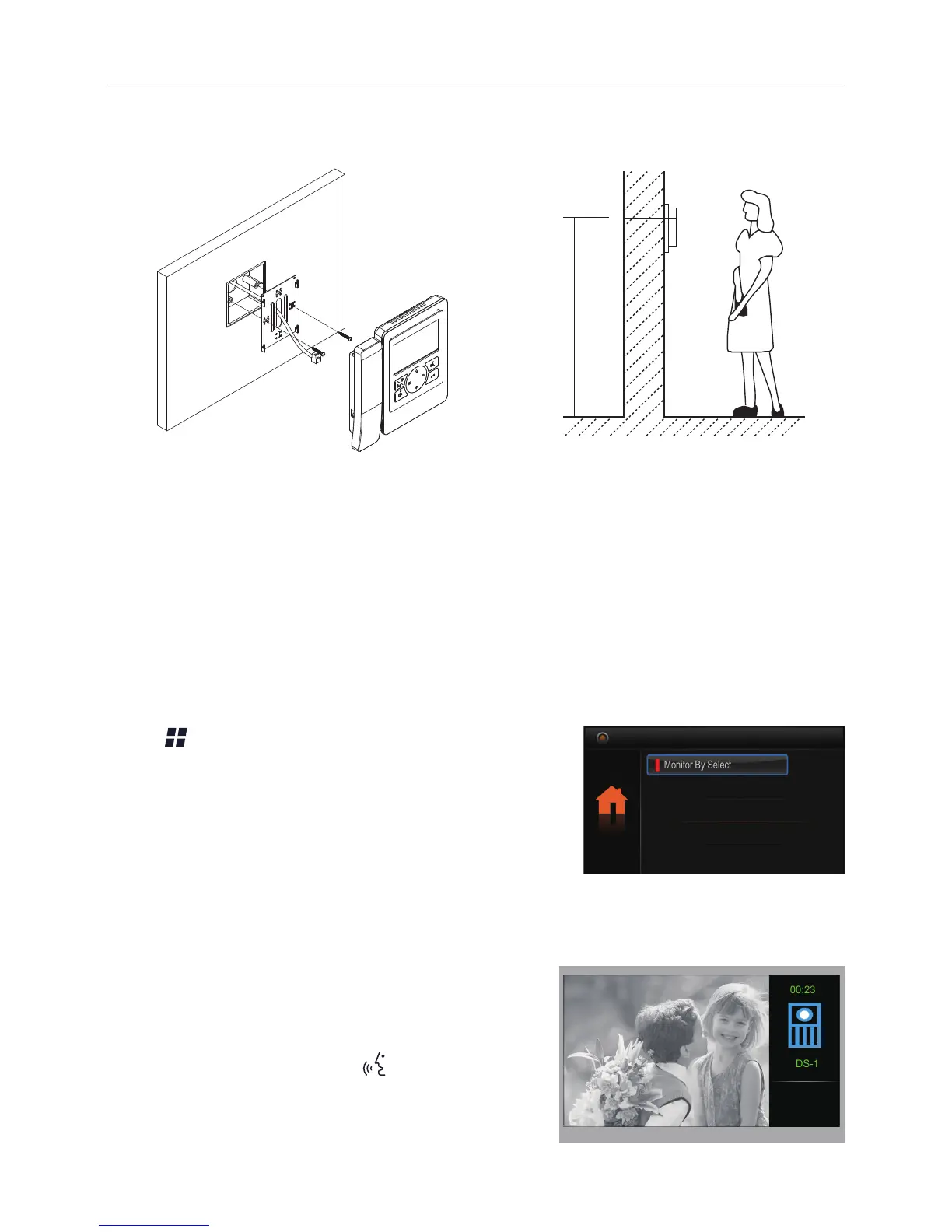
2. Mounting
145~160 cm
4. Basic Door Release Operation
1. Press CALL button on outdoor station, the
Monitor rings, meanwhile, the screen displays
the visitors' image.
2. Pick up handset (or press
Mon/Talk button
on panel)
, you can communicate hands free
with the visitor for 90 seconds. After nishing
communication, hand up the handset (or press
1. Use the screws to x the Mounting Bracket on the mounting box.(tting accesories
includes a Bracket (Two pieces of 4X25 screws are needed for fastening the
Mounting Bracket), Special 2 wire connectors to connect with Monitor)
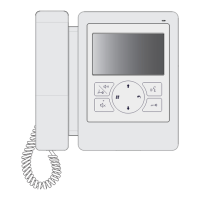
2. Wire the system correctly(see the later connection chapter) then hang the Monitor on
the Mounting Bracket rmly.
3. Main Menu
Press Menu button, in standby mode, the main
menu page will be shown as follows:
Monitor By Select
Main Menu
Playback
Don’t Disturb
Intercom Call


 To Next Page