2 EASY
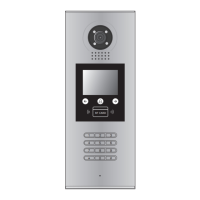
2) TFT Module:
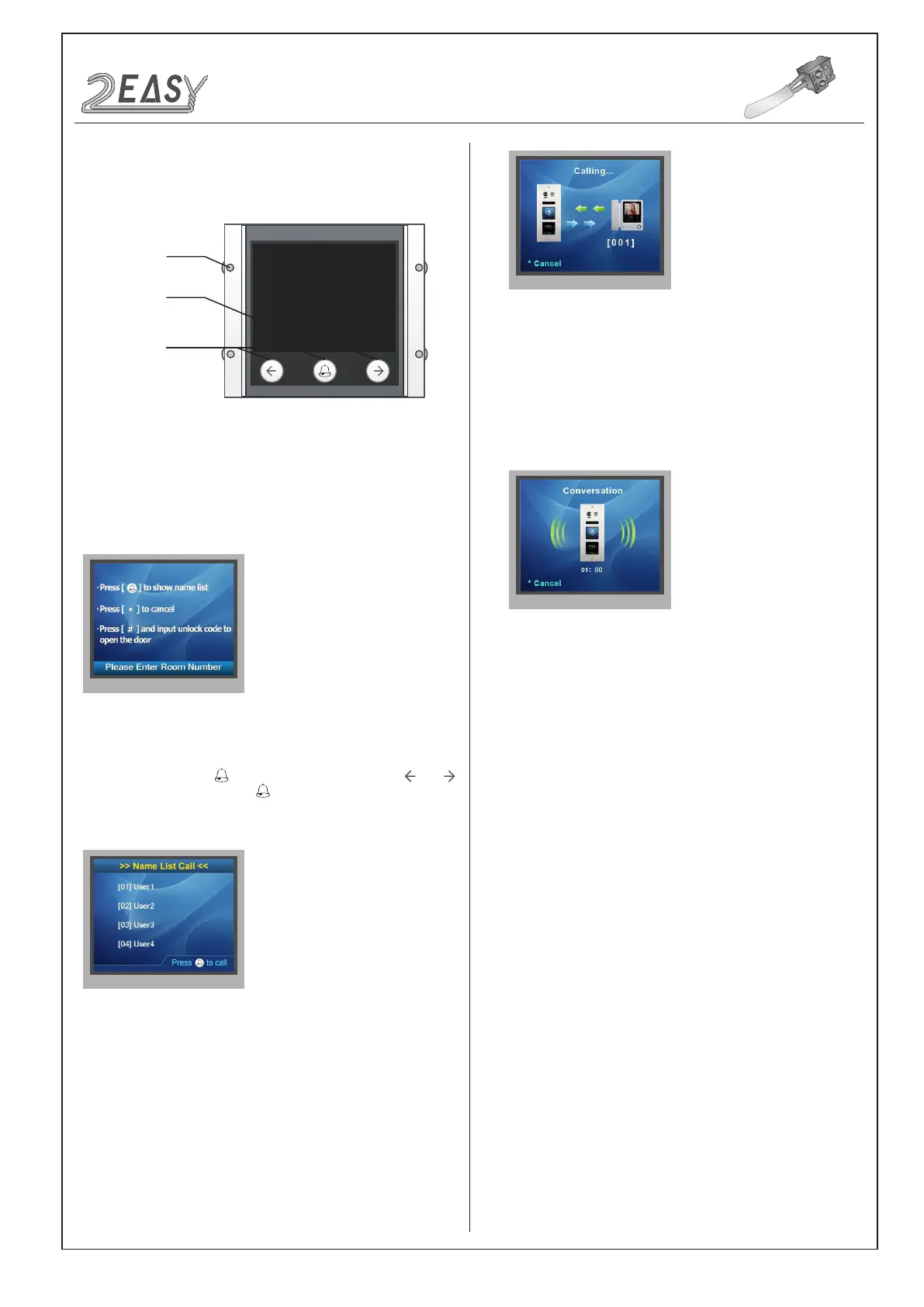
Parts and functions
Functions
3.5 inch TFT
screen
Touch sensor
button
Mounting
screw
• Standby
• Name List Calling
This is the start point in standby mode, It can be customized.(More
details refer to UI Update section)
In standby mode, press to show the name list. Press or
to select name. After that, press to call the corresponding user.
Press * (Keypad Module) to cancel the call.
• Calling Display
• Conversation
This is the user interface of calling process. (Know that if the name
list is created, the resident’s name will be showed on screen)
Press * (Keypad Module) to cancel the call.
This is the user interface of conversation process.
The conversation time will be recorded.
Press * (Keypad Module) to cancel the call.
DT System Test Manual -5-


 To Next Page
 Loading...