EasyManua.ls Logo

Vacron CDR-E07 - Software Player Usage; Software Installation and Video Playback; Software Interface and Controls

Vacron CDR-E07
40 pages
Print Icon
To Next Page IconTo Next Page
To Previous Page IconTo Previous Page
Loading...
12
I. Software Player Instruction
How to read the files from Micro SD card?
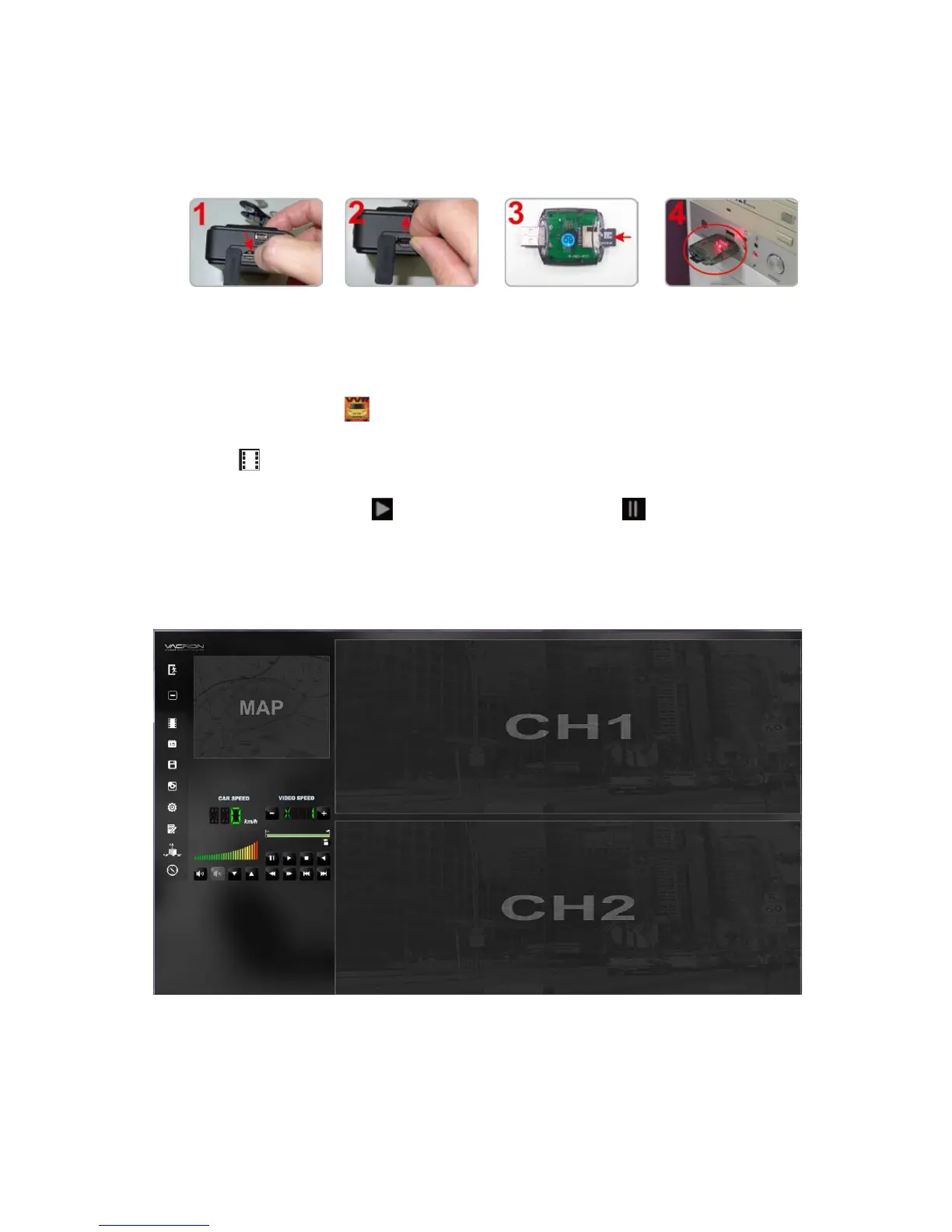
Open the plastic
lid.
Remove the card
from the machine.
Insert the Micro SD
card into the card
reader (please make
sure the direction is
correct).
Connect the card
reader to the PC
and use the software
in CD to play the
files.
1. Play Video
Start the program (you can locate it in the CD-R),
The main screen will be like the picture below.
Press button, and choose the memory card player list to play the
files. Direct X 9.0 above is necessary for this program.
During playback, the button would change to button and you
can click on it to pause playback.
2. Main Screen
Viewer Interface


Other manuals for Vacron CDR-E07

Related product manuals