33
M. WiFi (optional)
(1) How to get the software?
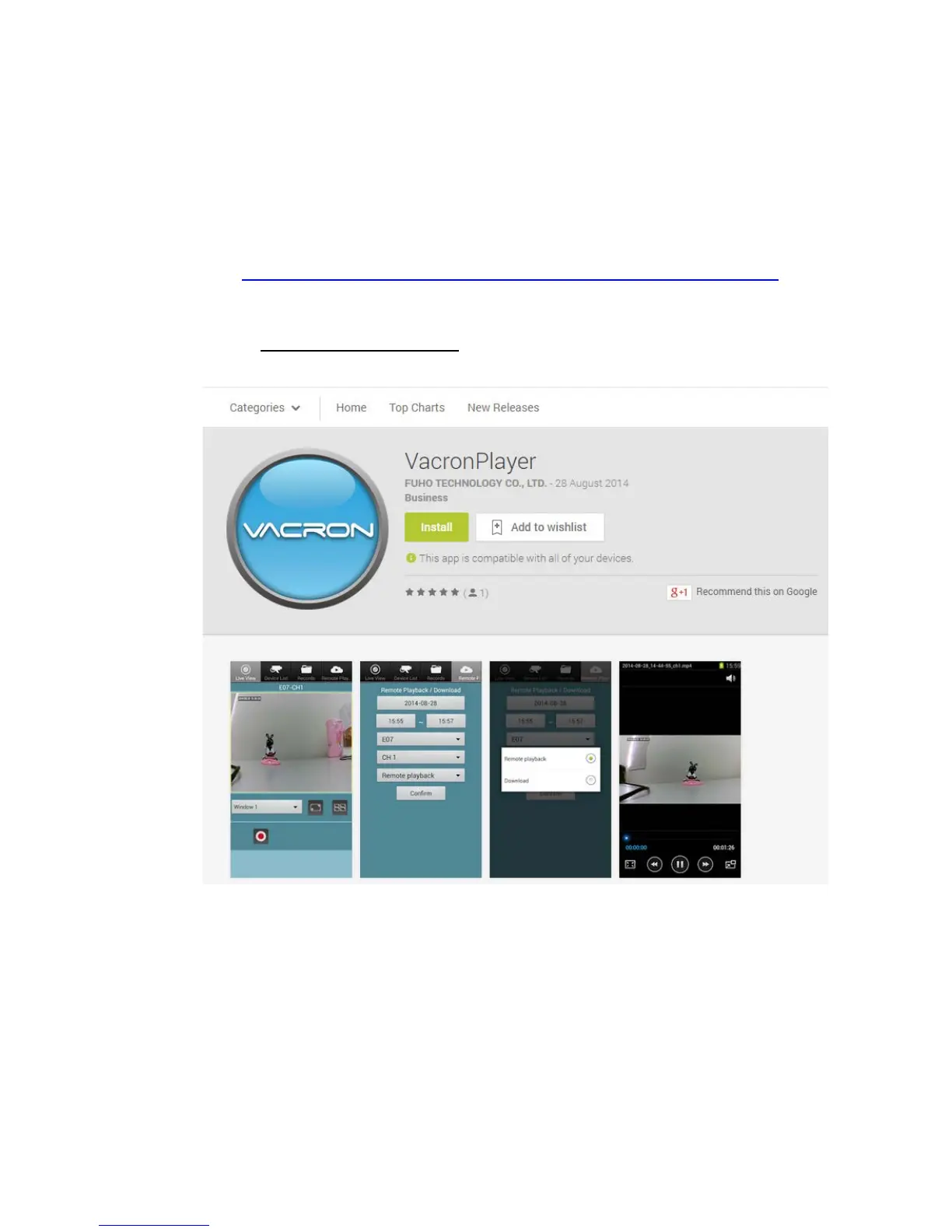
For Mobile device user could search the item name ”Vacron Player”
on the Play store or link and install on Google
Playhttps://play.google.com/store/apps/details?id=com.fuho.E07 , or
user can download the APK file for installation directly by
linkinghttps://db.tt/Pu2FPt9P.
(2) Turn on smart phone WiFi, choose「SSID」on searching list, the
default password is「12345678」.
(3) Open Vacron APP list, choose device list, add the channel and key
in device name.



 To Next Page