20
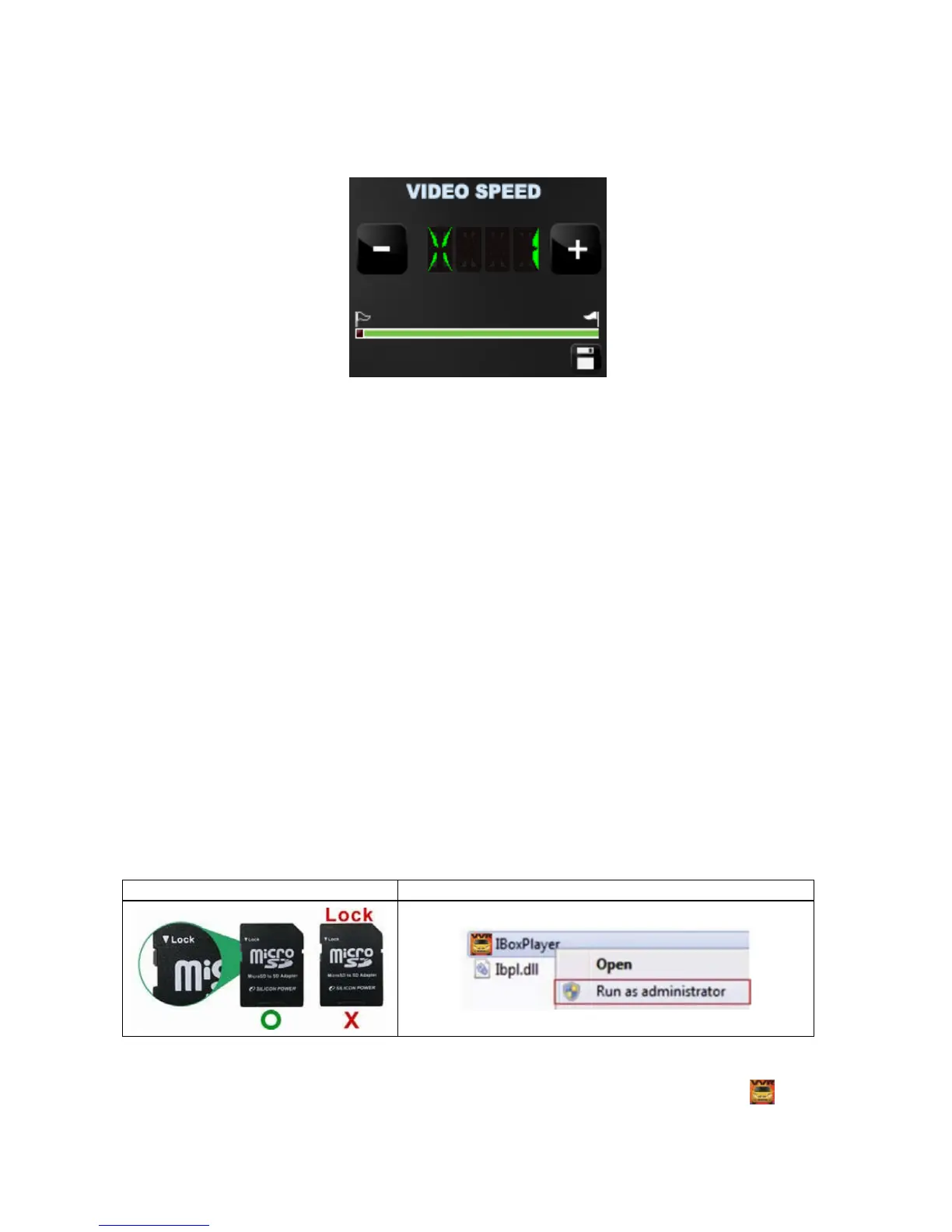
c. Video Search & Play Speed
(1)Video Search:You can use the mouse to drag the bar to
search the video quickly.
(2)Play Speed:Support 2x, 4x fast forwarding and -2x, -4x slow
play mode.
J. Formatting Memory Card
When You Should Format Micro SD CARD?
When you use the Micro SD card for the first time or just purchase a
new card, you should format it in order to use it correctly. (The bundled
Micro SD card has been formatted and tested by the manufacturer
already.)
Notice:
1. Before formatting Micro SD card, please ensure to unlock it first.
2. If the card is unlocked but still cannot be formatted, this might be
caused by Window Vista / 7 security restrictions. Please run the
program as Administrator to prevent from this problem.



 To Next Page