11
H. Start / Stop Recording
When power on the device, the screen will show a welcome message for the
device starts if connected to TV-Out. The firmware version of the device will
displayed before LIVE view of recording starts.
1. Power on / Start Recording
The device can be started completely after power on for one minute.
When the device is started on programming, the green indicator light is
flicker before GPS positioning completed. After one minute, the red
indicator light will be kept flicker until show n on right side of LIVE
view; the device starts recording now.
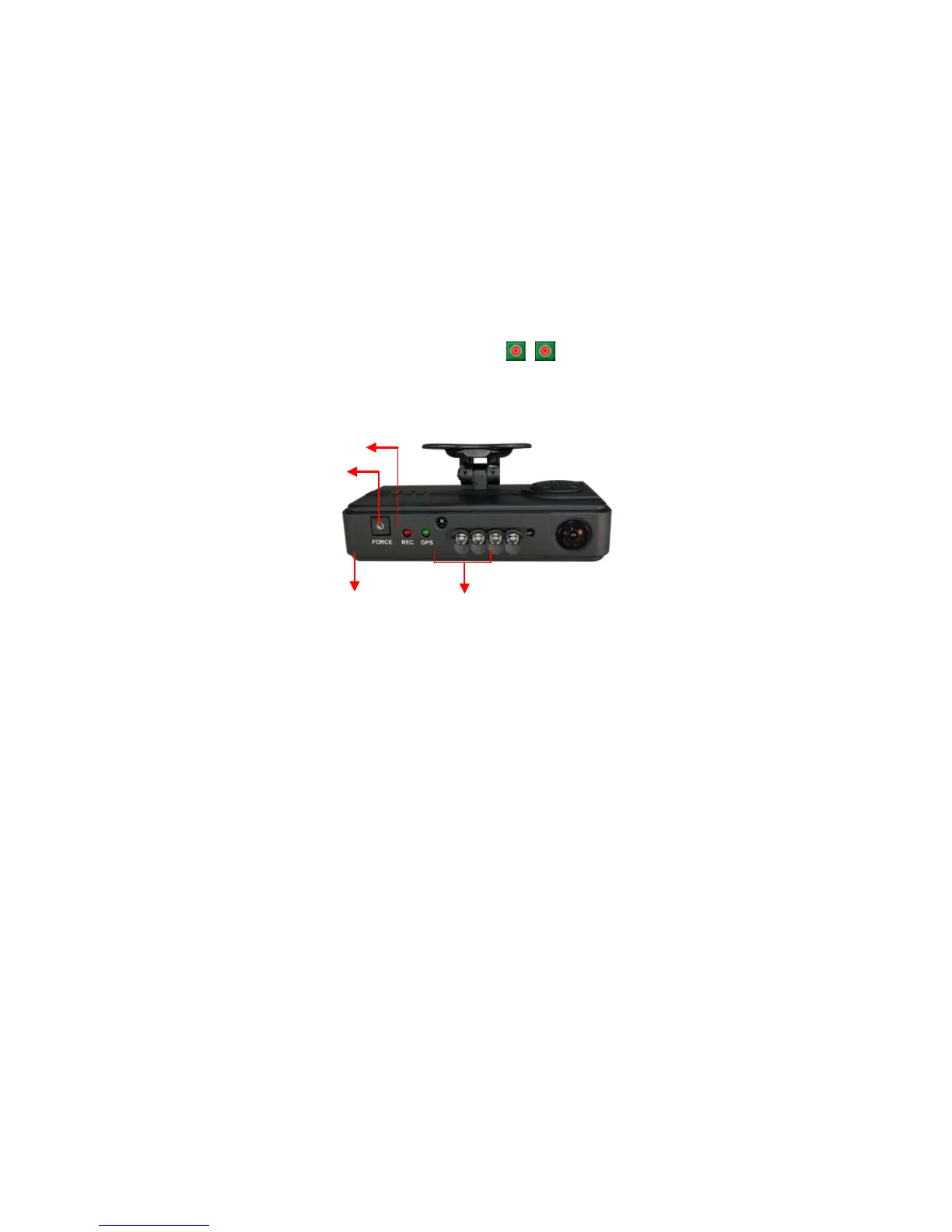
Definition of Indicator
● Force record button: good for using at night
● Red indicator of REC:
Stable flicker of red indicator: On recording
Fast flicker of red indicator: Force recording
● Green indicator of GPS positioning:
Flicker of green indicator: GPS 3D positioning
Steady of green indicator: GPS 3D positioning accomplished.
2. Power Off / Stop Recording
Power off and then remove the memory card to read the recording file
in computer.
Force Recording Button



 To Next Page