page 42 of 76
from software version V1.9, see rating plate
Adjustment routine for older software versions: See “Instructions for adjust-
ment of the liquid level sensor” on www.vacuubrand.com.
Action Reaction Meaning
Step 1
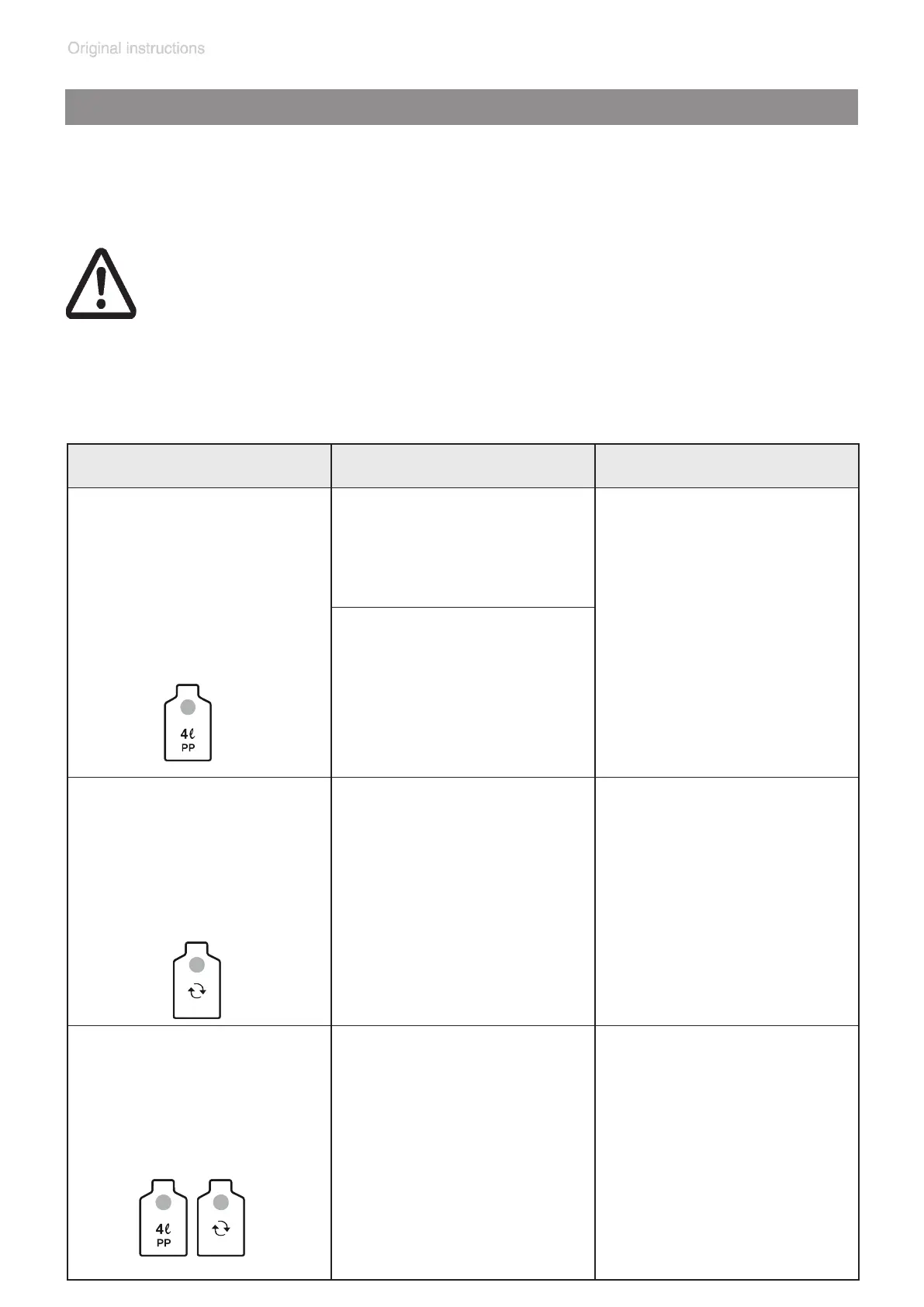
Touch and hold “4l P” key.
Case 1:
The LED of the “4l PP“
bottle symbol ashes
blue.
Adjustment is possible by
continuing to hold the “4l
PP” key, and proceeding
to step 2.
Case 2 / false alarm:
The alert tone for the false
alarm is shut off.
The LED of the “4l PP“
bottle symbol ashes
blue.
Step 2
When the LED of the “4l
PP” key ashes blue,
touch and hold the “bottle
change” key at the same
time.
A one-time buzzer
sounds.
The pump stops.
After the buzzer, the LED
of the “bottle change” key
lights red.
Adjustment starts.
Step 3
Release both “4l PP” key
and “bottle change” key.
The LED of the “4l PP“
bottle symbol ashes
blue.
All LED´s of the suction
power display ash blue.
The LED of the “bottle
change” key lights red.
Adjustment is running.
Attention: Do not interrupt the adjustment routine once you have
begun, even if there is an alarm. Complete the entire routine, and
repeat if necessary.
Adjustment routine may take up to 3 minutes.
During adjustment all keys are without function.
Switching off the BVC during adjustment routine terminate the ad-
justment. The level sensor retains the original adjustment values.
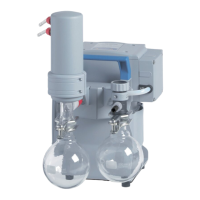
Adjustment routine for BVC professional with 4l polypropylene bottle






 To Next Page