User’s Guide ______________________________________________________________________
42 __________________________________________________________________ M210906EN-C
Wind Direction Offset
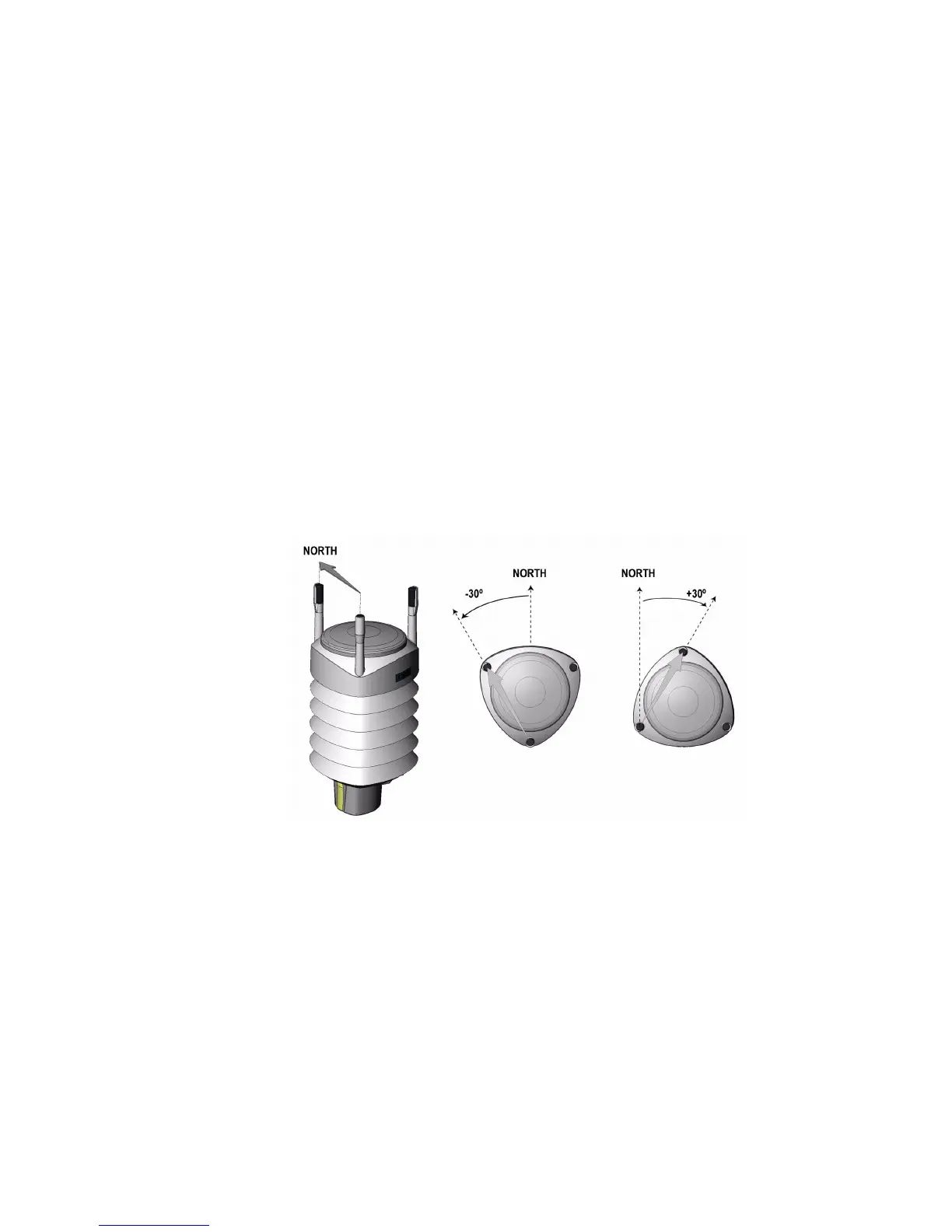
Make a wind direction offset in case WXT520 cannot be aligned in such
a way that the arrow on the bottom points to the north. In this case, the
deviation angle from the true north should be given to WXT520.
1. Mount the transmitter to a desired position, see section Mounting
on page 34.
2. Define the deviation angle from the north-zero-alignment. Use the
± sign indication to express the direction from the north line (see
example pictures).
3. Feed the deviation angle to the device by using the wind message
formatting command aWU,D (direction offset), see section
Checking the Settings (aWU) on page 107.
4. From now on, WXT520 transmits the wind direction data by using
the changed zero-alignment.
0505-201
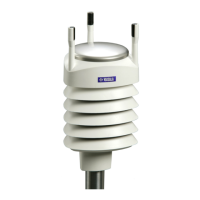
Figure 19 Wind Direction Offset




 To Next Page