4. CONTROL UNIT APPLICATION
The control unit is used to set up the counter according to the fish size and the way the counter
is to be used. In the application, you can view the last hour throughput and generate reports to
validate the count. The application stores all data so the user can validate the data for reassurance
purposes.
4.1. OVERVIEW
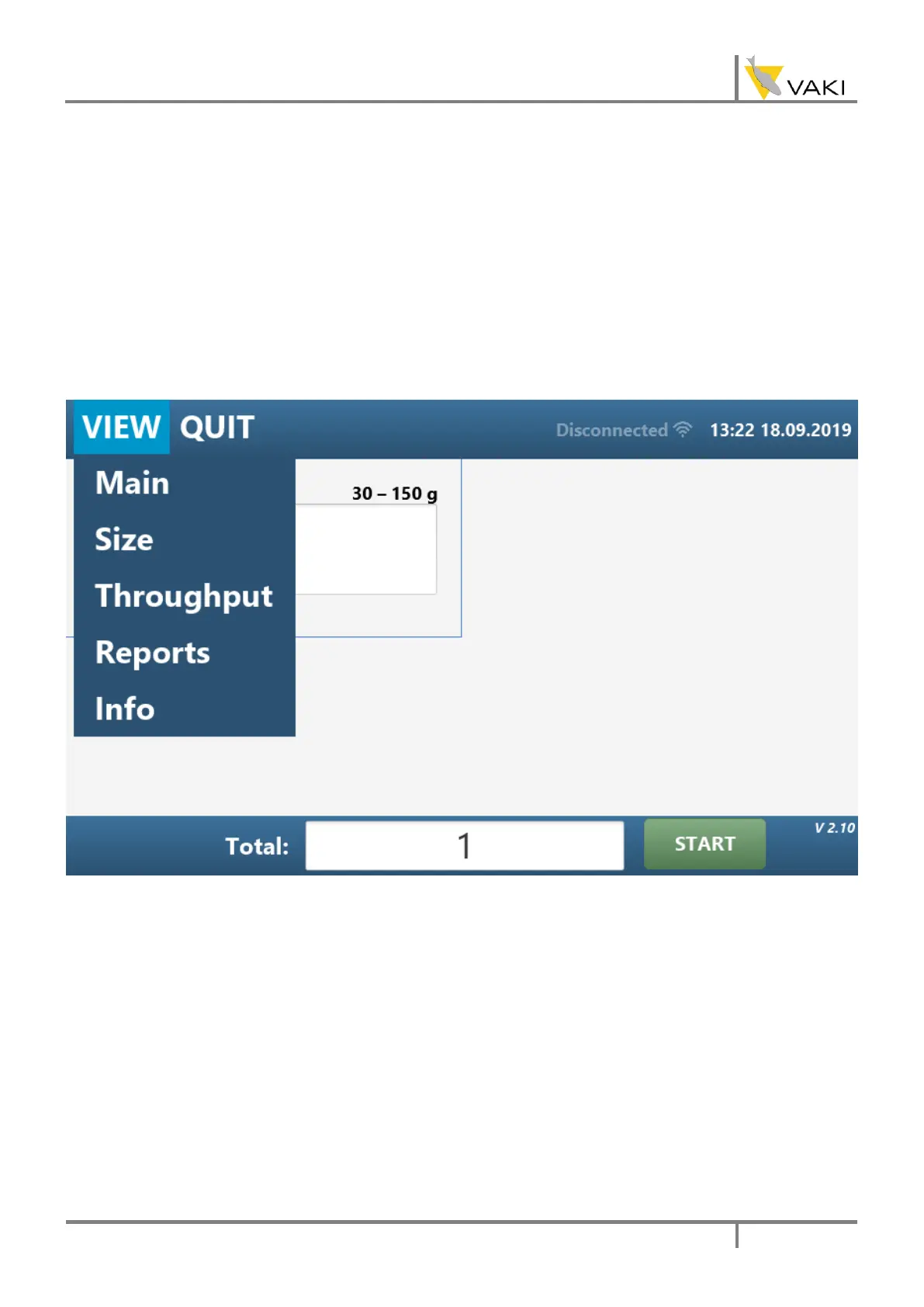
By pressing VIEW you can select the view you want to have on the screen. The views are as follows.
1) Main shows the count in each channel.
2) Size allows you to set the size group for the counter.
The size groups are: < 10 g, 10 – 30g, 30 – 150g, 150 – 1500g, >1.5 kg.
3) Throughput shows the throughput for the last hour.
4) Reports allows you to set counting session’s information and view and copy counting
reports.
5) Info shows software versions and similar information



 To Next Page