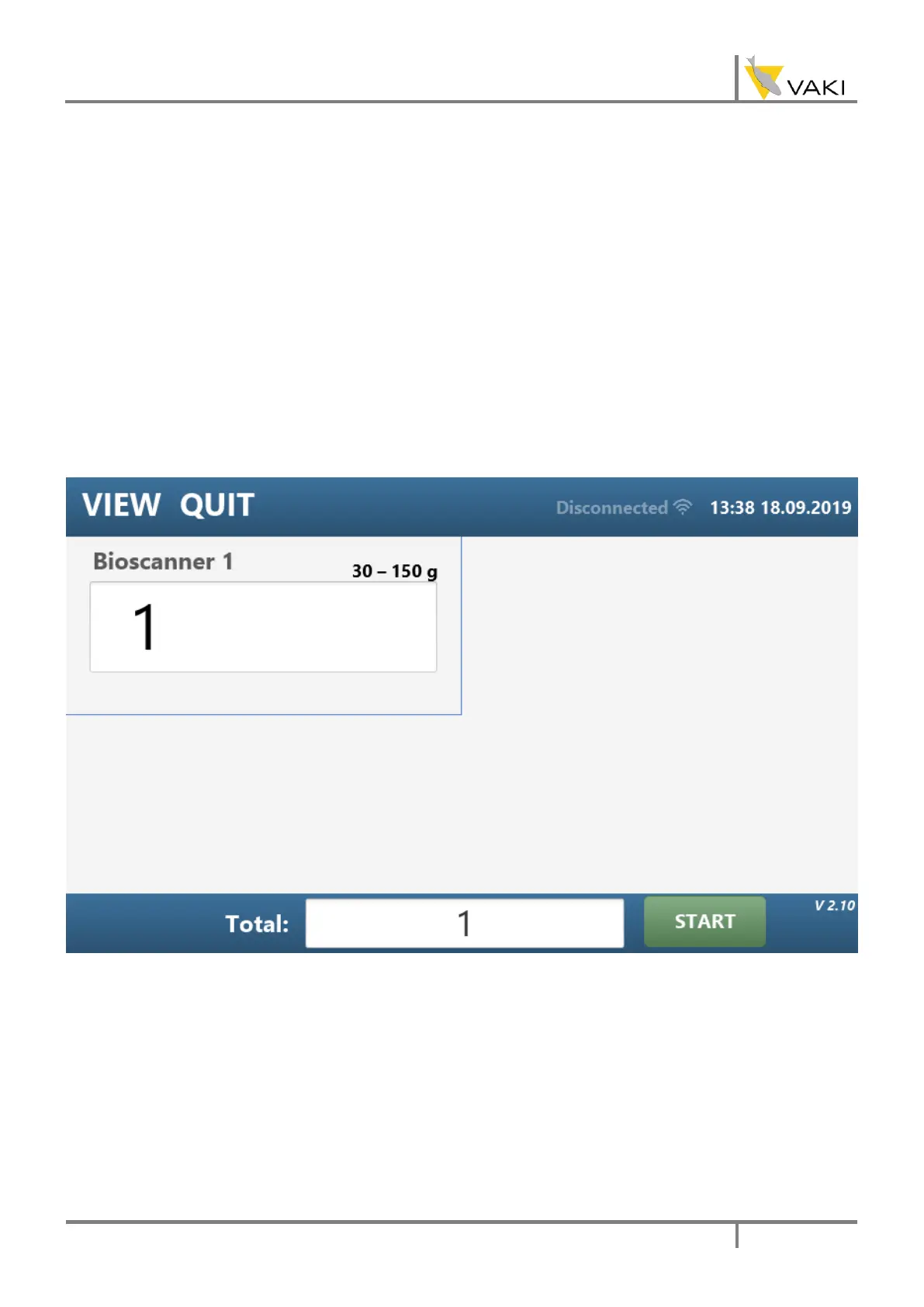
At the bottom of all screens is the total count and a start button. To start a new counting session
press the “Start” button. Once activated this button will change to Stop. To stop the counting
session press “Stop”. When the counting session ends all the reports and records will be
generated and ready to be uploaded to VAKI cloud.
4.2. MAIN VIEW
Up to four counters can be connected at the same time. The main view shows the count for each
counter. By double pressing the count you can reset the count without stopping the counting
session. The total count is not affected by the reset.
If the counter is unplugged, the count number will disappear, demonstrating that the counter is
not connected. If you reconnect the counter it will appear again, with the same count as it had
before it was disconnected. There is no need to stop the program and restart it, the program
always knows if a counter is connected or not.



 To Next Page