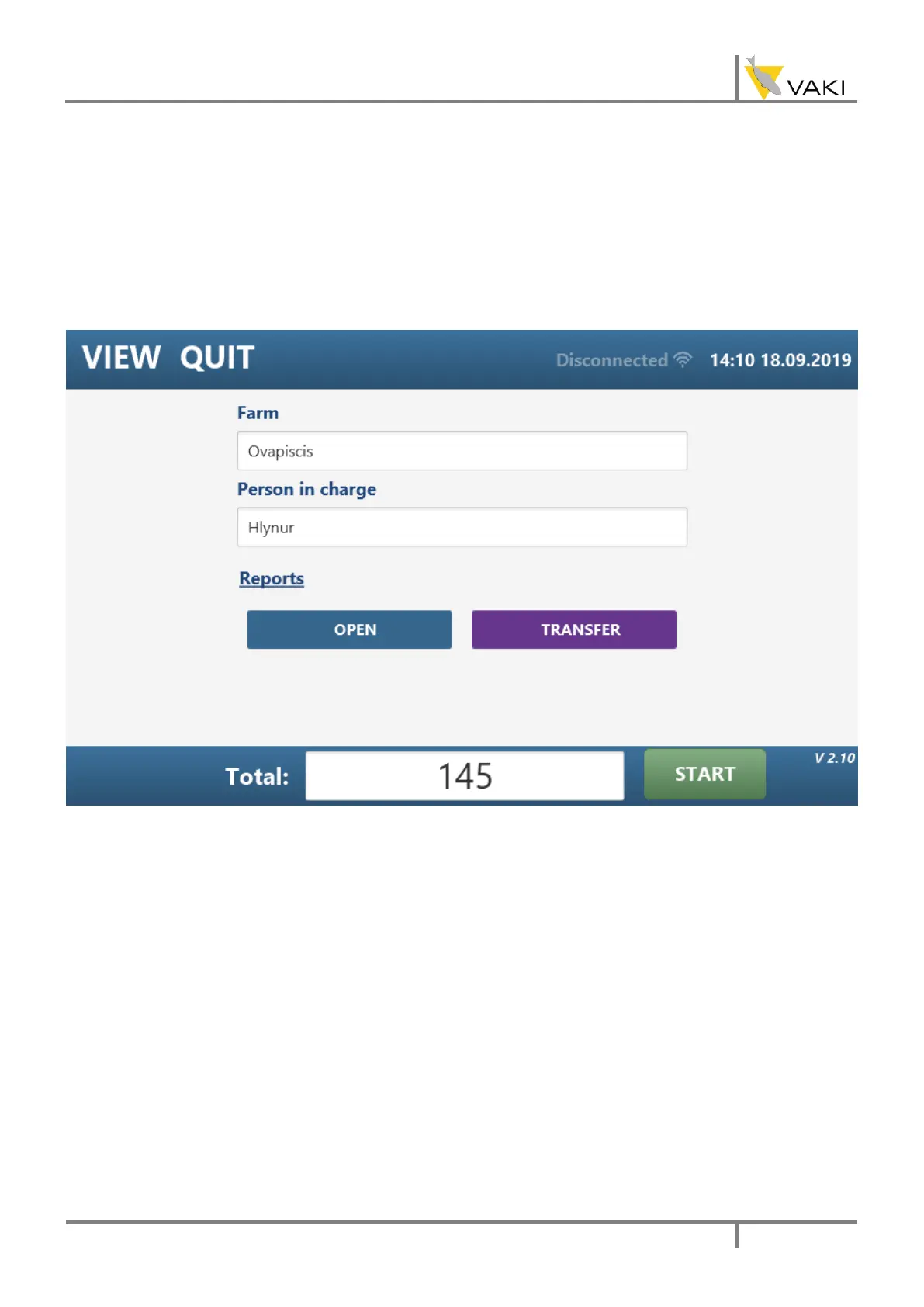
4.5. REPORT VIEW
The report view allows you to set the farm name and the name of the person in charge of
counting. Here are also OPEN and TRANSFER buttons to work with the generated reports from
counting sessions. Clicking the OPEN button brings up a dialog box where you can select which
report you want to open. Clicking the TRANSFER button brings up two dialog boxes, in the former
one you select which reports to copy and in the latter one you select the destination the reports
are copied to.
On the following page is an example report.



 To Next Page