Section 5 | Setting Up the uvSVX
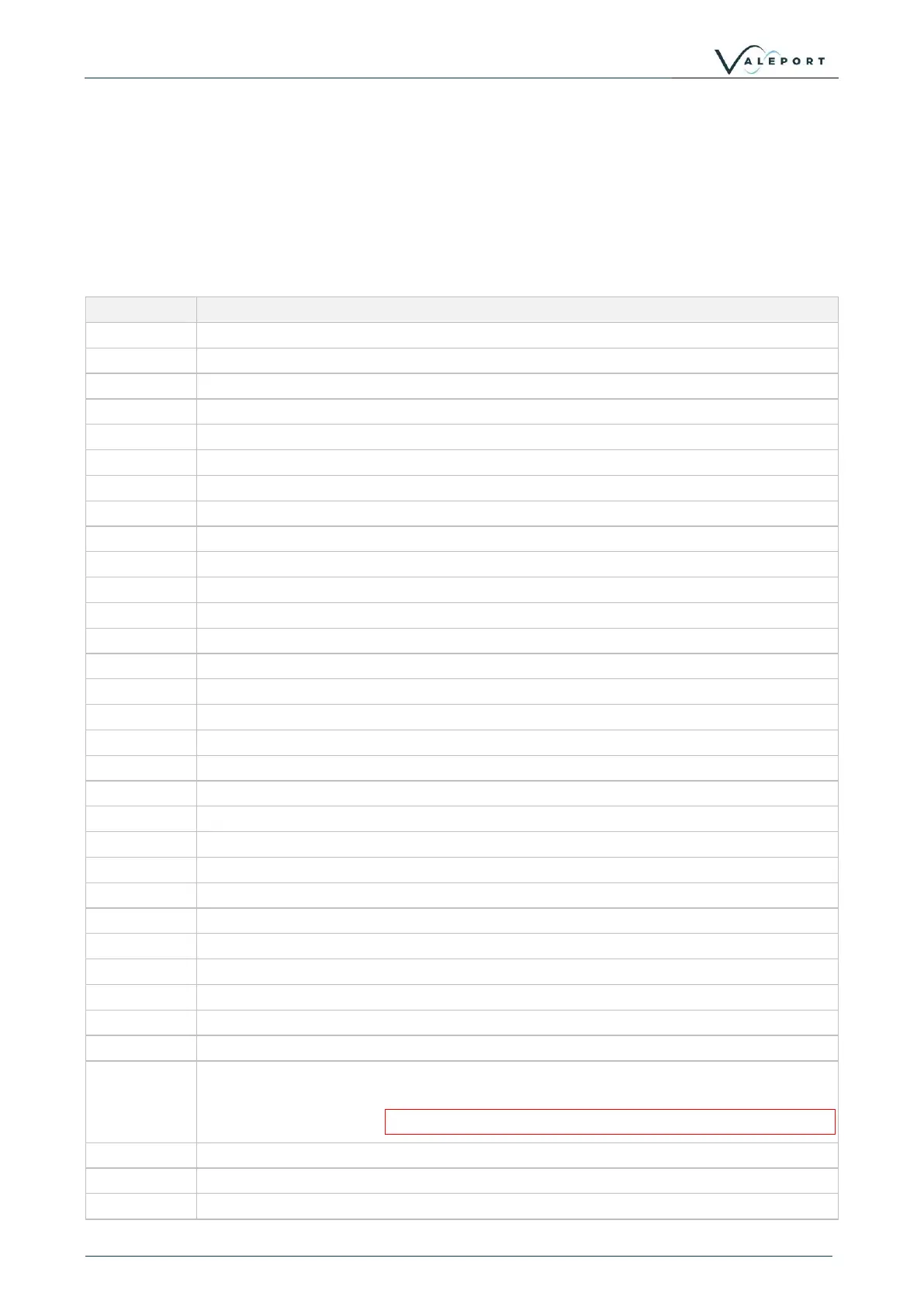
5.2 Information #Codes
The following commands will cause the sensor to report back various pieces of information, as
described.
You can use Valeport Configure, DataLog X2 or your own terminal program to send # commands to
the instrument.
#nnn to be followed by <CR><LF>:
Read address mode activation status
Read Tare activation status
Read firmware version number
Read the instrument Latitude
Read the SV calibration coefficients
Read the data string delimiter
Read RS485/Modbus address value
Read leading separator activation status
Read trailing separator activation status
Read the number of samples in the dataset for averaging
Read the Pressure / Depth units
Read the number of decimal places in the Pressure / Depth field
Reads the pressure sensor Polynomial values
Read the temperature calibration coefficients
Read the output string format
Read the sampling frequency
Read the Pressure / Depth error message
Read DASH equations activation status
Read last SV and Temperature calibration date
Read Pressure Module serial number
Read Pressure Module maximum pressure rating
Read the Data Matrix Code (Pressure Module Serial Number)
Read is warning message activation status
Read the User Pressure calibration coefficients
Read '#' character to leave Modbus mode activation status (to use # codes with 8N1
framing)
If this mode is enabled do not use address 0x23 for Modbus
Read the Calibration history for Temperature sensor
Read the Calibration history for SV sensor
Read User Calibration activation status



 To Next Page