Section 5 | Setting Up the uvSVX
Sets the value output in the CSV data string when the Pressure / Depth value
is in error e.g. missing Pressure Module
Where n = 1, 2 or 3
0 = 0.000
1 = -99999
2 = ERROR
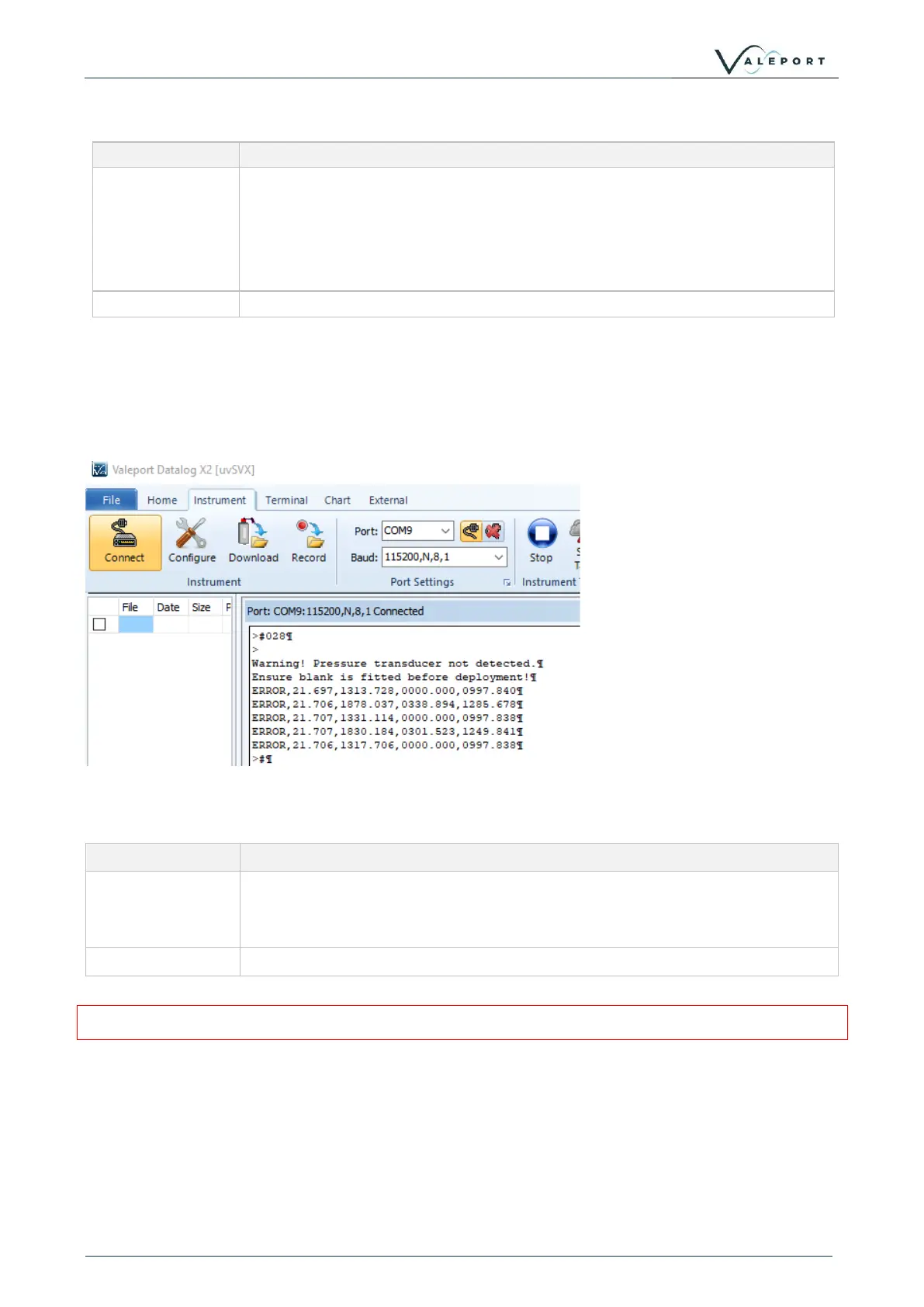
5.6 Warning Message
If a Pressure Module is not fitted and the uvSVX is deployed, damage can be caused to the
instrument. In order to bring this situation to your notice a warning is transmitted on power up and
putting the uvSVX into run mode: #028 or the watch dog.
This message can be turned on or off
Enable | Disable the Warning Message
#220;0 disables the warning
#120;1 enables the warning
Reads the Warning Message activation status:
DASH computation will be erroneous if a pressure term is not available
DataLog x2 showing a warning message that a Pressure Module
is not fitted



 To Next Page