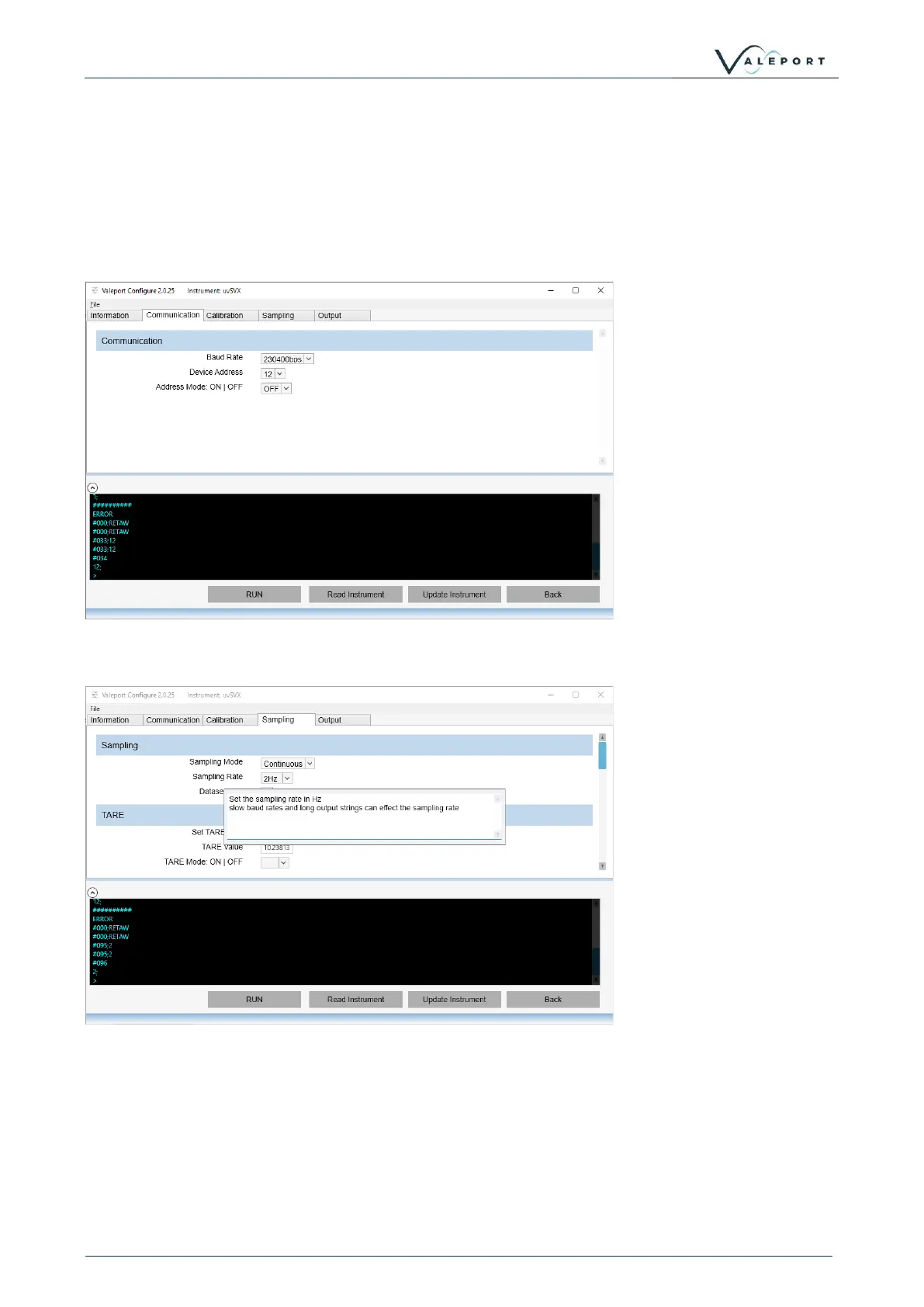
You can follow the interrogation and replies from the instrument in the Terminal Window across the
bottom of the screen.
The Terminal window can also be used to send specific # commands to the instrument should that
be necessary. Type into the bottom line in the window and press ENTER
Click on the other Tabs to see relevant information and fine tune your set up, for example
Communication:
If you are using a uvSVXe baud rate is not available.
Hover over the label with your mouse to see the pop-up information window on a particular field:



 To Next Page