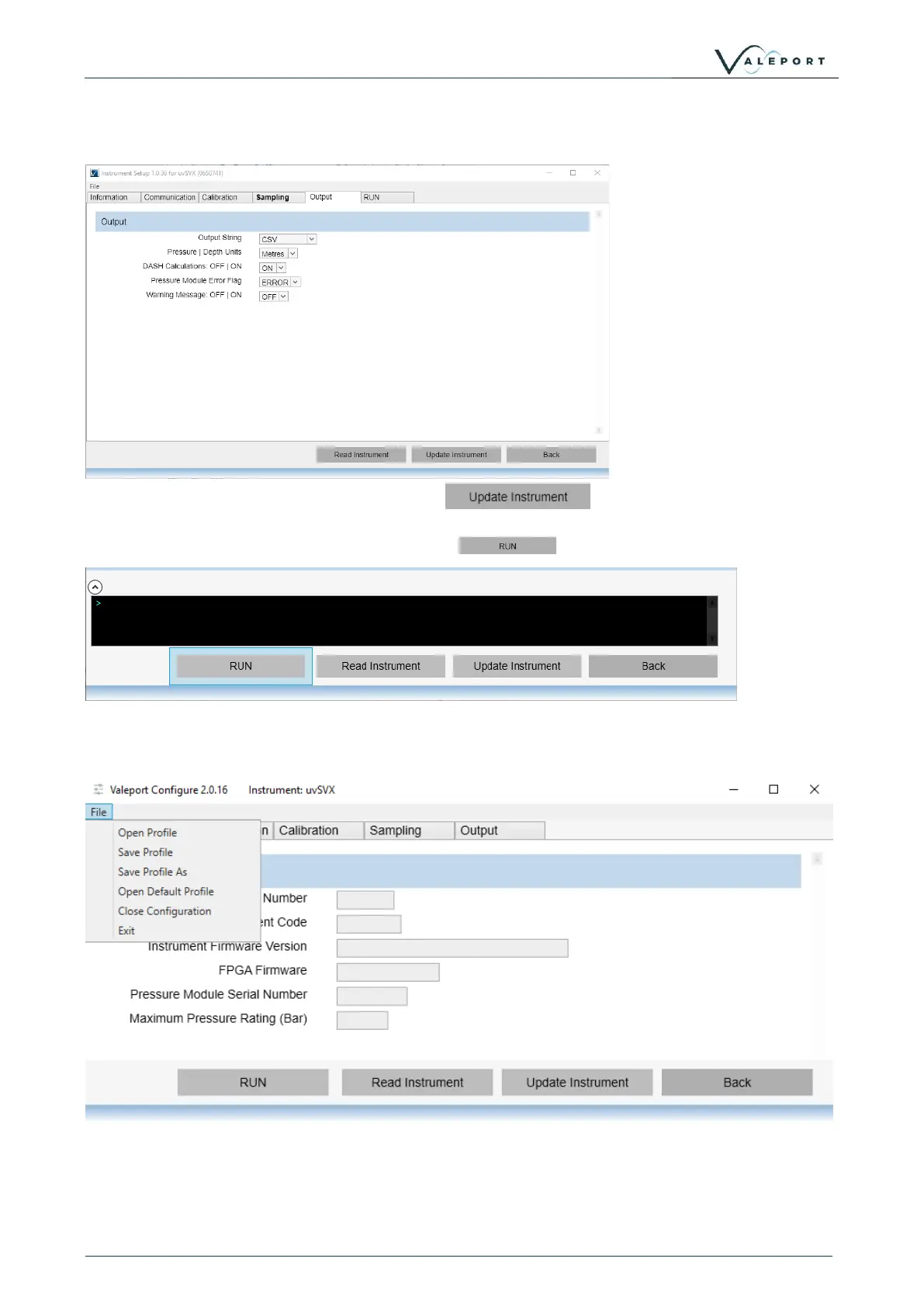
Select the Output Setup, output string, units, DASH calculations, messages
Once you have made all your changes press to upload the new
configuration into the instrument
To set the instrument into a Run Mode select the button at the bottom of the screen.
If you would like to save the configuration for future use click on the File menu (top left) and save
the Profile, file. You will use the same menu to open the file into the Configure App to load into an
instrument at a later time.



 To Next Page