15
Metal Detector VMH3CS – Operation Manual
© 2007 Vallon GmbH, D-72800 Eningen/Germany
3.1 Individual Alarm Configurations
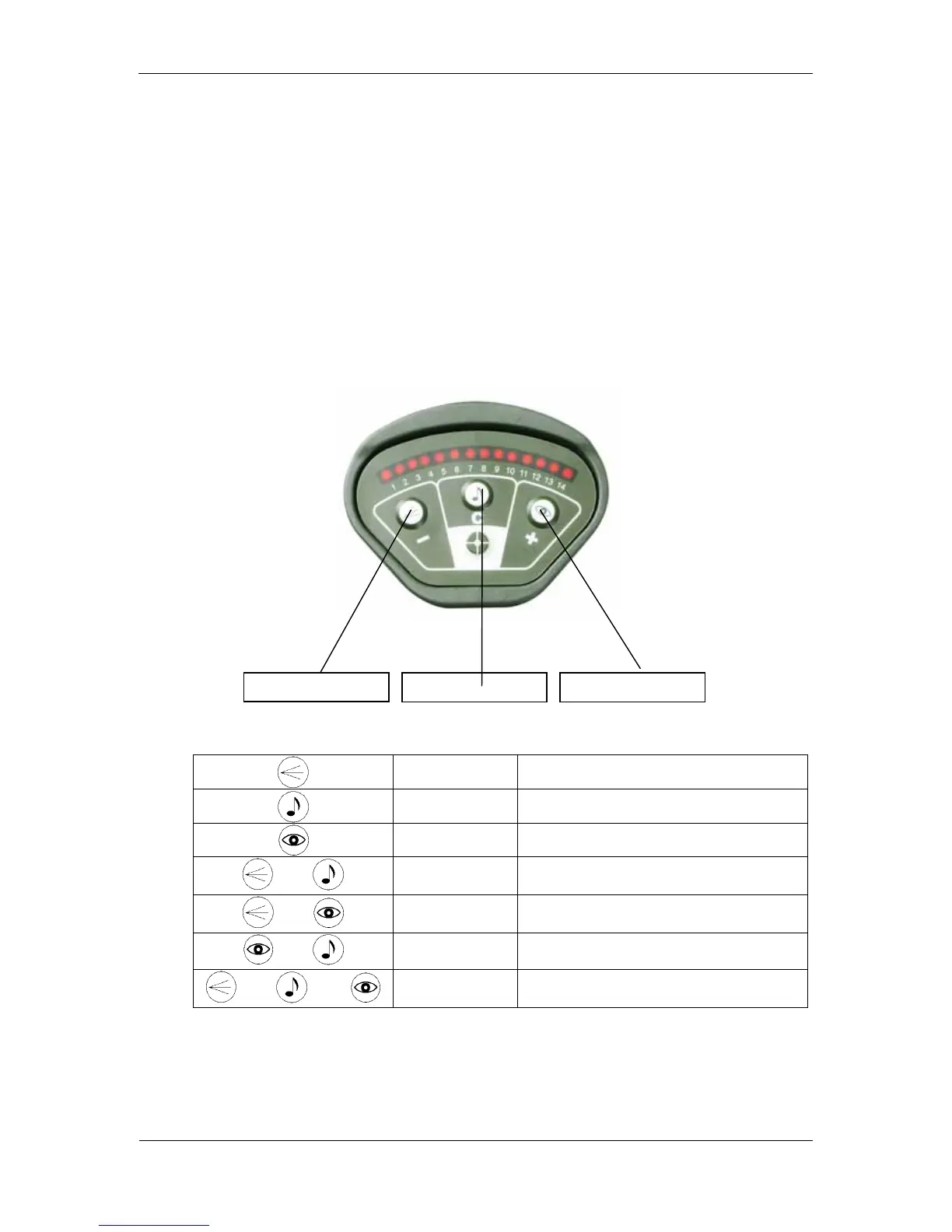
You can select different alarm modes by pressing one or a combination of two
or three buttons + / C / – on the control panel.
Procedure: 1. Press the desired combination of buttons and keep them
pressed. Switch ON the detector by setting the desired
operation mode “normal” or “mineral”.
2. Keep the buttons pressed during the battery check signal
(min. 3 seconds).
The functions of the buttons are:
The following alarm modes are possible:
–
vibration only (silent mode)
C
audio alarm only
+
LED display only
and
– and C
vibration and audio alarm
and
– and +
vibration alarm and LED display
and
+ and C
LED display and audio alarm
and and
– and C and +
vibration and audio alarm and LED display
(standard mode)
The selected alarm mode is stored by the detector and is kept even if the
detector is switched OFF or during the replacement of batteries. If no button is
pressed while switching ON the detector, it will start in the previously selected
mode.
audio alarm ON LED display ON
vibration alarm ON



 To Next Page