EasyManua.ls Logo

Vanguard Instruments CT-3500 S2 - Page 26

Vanguard Instruments CT-3500 S2
53 pages
Print Icon
To Next Page IconTo Next Page
To Previous Page IconTo Previous Page
Loading...
e. T
d
P
NOTE
Yo
u
3.
6
he test resu
isplayed:
ress the
[1]
NOTE
If
a
scr
1.
2.
1
2
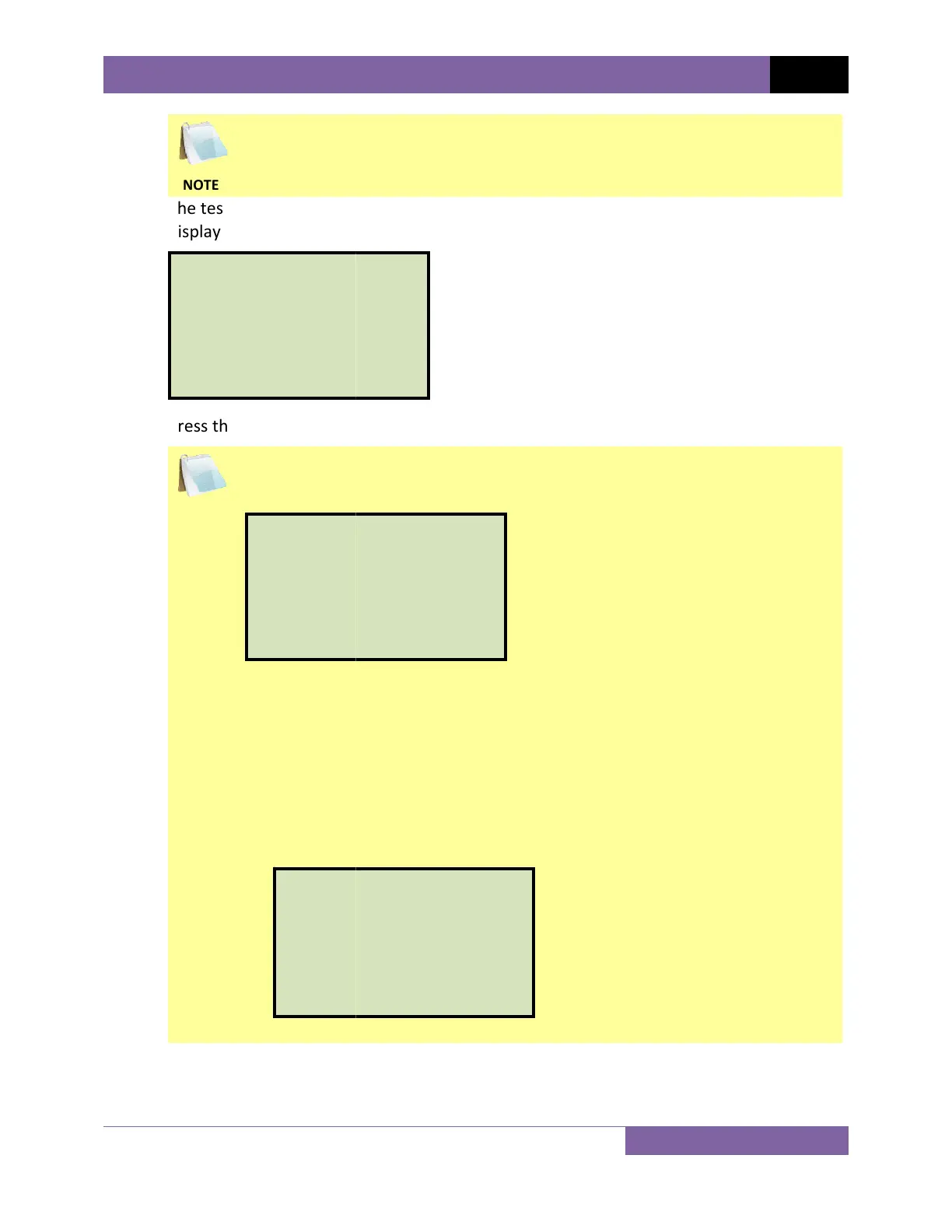
SAVE THI
1.YES
2.NO
u
can also vi
6
.1.
lts will be p
r
key (YES) t
o
a
USB Flash
d
een will be
d
SAVE INTE
R
Press the
[
1
internal m
e
SAVE TO T
H
Press the
[
2
connected
screen will
Press any
k
REC_00
0
THUMB
D
.SAVE IN
T
2
.SAVE TO
S SHOT?
ew the test
r
inted (plea
s
.
o
save the t
e
d
rive is con
n
d
isplayed:
R
NALL
Y
1
]
key (SAV
E
e
mory. Con
t
H
UMB DRIV
E
2
]
key (SAV
E
USB Flash d
be displaye
d
k
ey to retur
n
0
SAVED T
D
RIVE.
T
ERNALLY
THUMB D
R
results on t
h
s
e see Figur
e
e
st shot.
n
ected to th
e
E
INTERNAL
L
t
inue to ste
p
E
E
TO THUM
B
rive. The te
s
d
:
n
to the “ST
A
O
R
IVE
CT-3500 S
2
h
e unit’s LC
D
e
6) and the
e
unit’s “US
B
LY
) to save t
p
f.
B
DRIV
E
) to
s
s
t record wi
l
A
RT-UP” me
n
2
USER’S M
A
D
screen. Pl
e
following s
c
B
MEM” por
he test shot
s
ave the tes
t
l
l be saved a
n
u.
A
NUAL RE
e
ase see sec
c
reen will b
e
t, the follo
w
to the unit’
t
shot to th
e
nd the follo
V 1.1
22
tion
e
w
ing
s
e
wing