CT-3500 S2 USER’S MANUAL REV 1.1
30
3.6 Working With Test Shots
3.6.1. Viewing the Contents of the Working Memory
Whenever a test is performed and the reading is kept, the data is temporarily stored in the CT-
3500 S2’s working memory. You can view the test reading in the unit’s working memory using
the steps below:
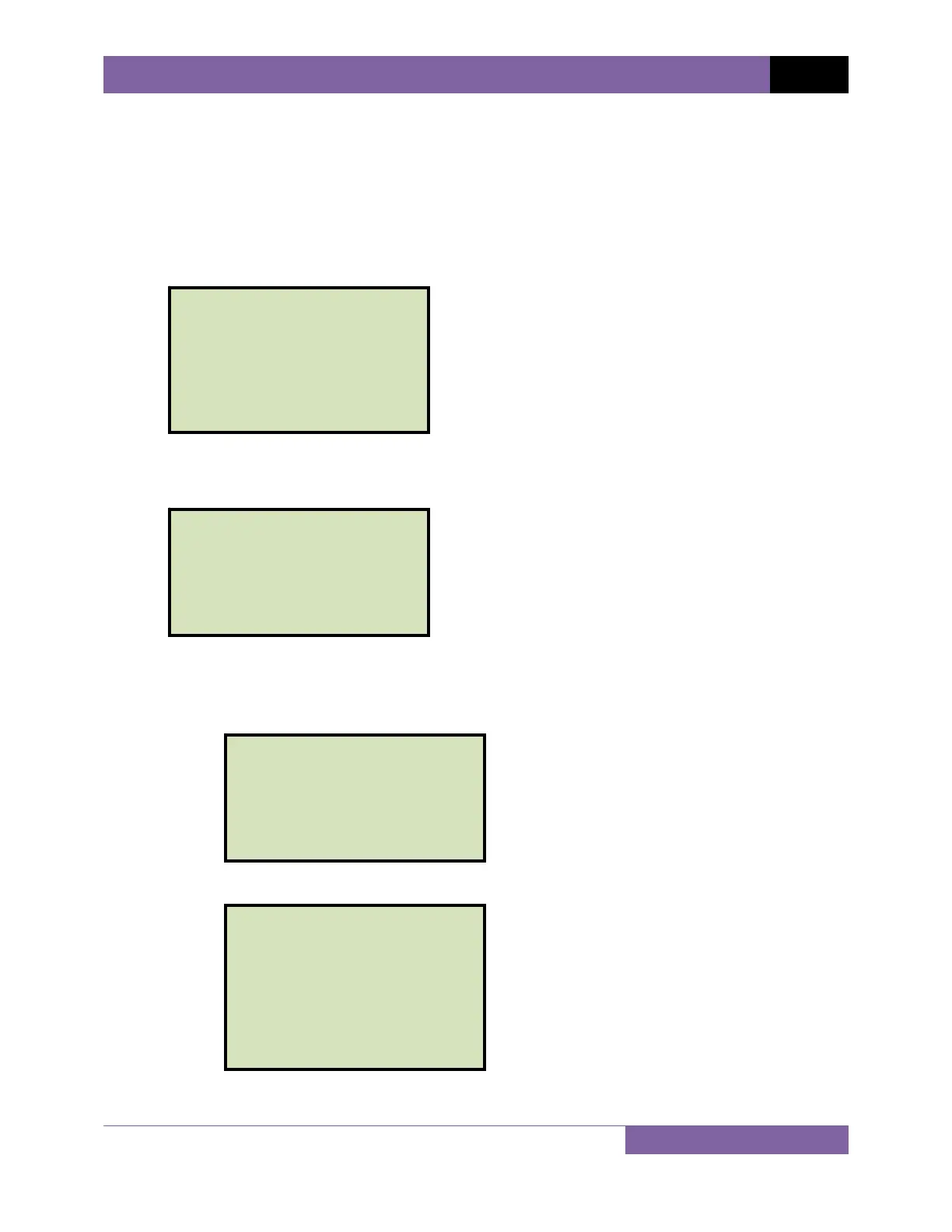
a. Start from the “START-UP” menu:
Press the [2] key (GET RSLT).
b. The following screen will be displayed:
1. DISPLAY TEST DATA
Press the [1] key (DISPLAY TEST DATA) to display the test results on the unit’s
LCD screen. The following screen will be displayed:
Press any key to view the test results. The following screen will be displayed:
Press any key to return to the “START-UP” menu.
OPEN (ms / cycles)
a 329.6ms 19.776CY
B 330.6ms 19.836CY
C 331.6ms 19.896CY
bounce times:
A 0.0ms 0.000CY
B 0.0ms 0.000CY
C 0.0ms 0.000CY
SHOT NUMBER: 2
OPEN SHOT
05/15/12 10:07:29
VANGUARD INSTRUMENTS
REVIEW TEST
1.DISPLAY TEST DATA
2.PRINT TEST DATA
1. TIME BRKR 05/15/12
2. GET RSLT 09:15:25
3. SETUP
4. DIAGNOSTICS


 To Next Page
 Loading...